
Your private file, media and phone migration workspace for WordPress.
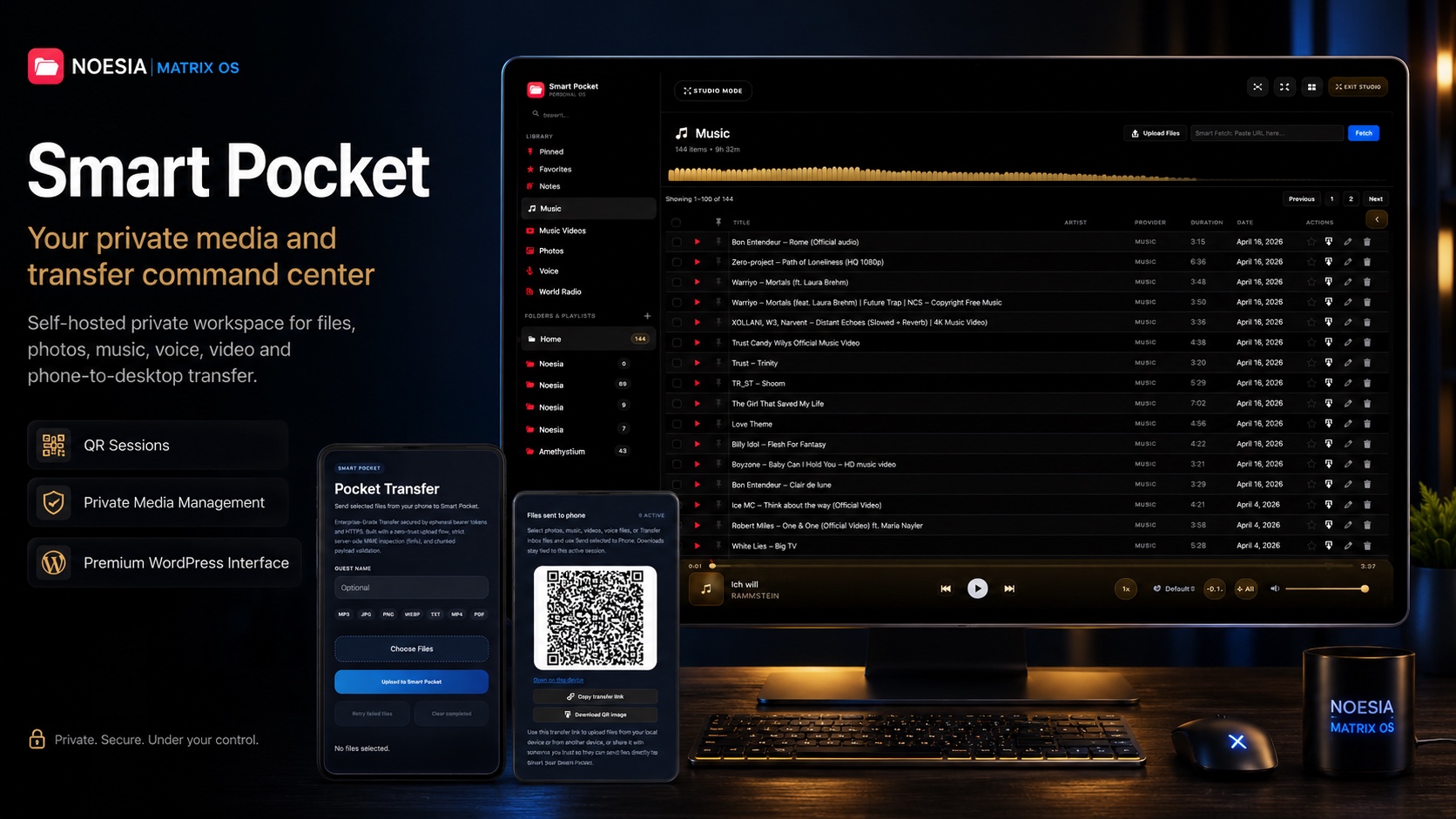
Noesia Smart Pocket helps you move, organize, receive and send back photos, music, voice files, videos and documents through one self-hosted workspace — powered by QR sessions, folder transfer, private media control and premium WordPress interface design.
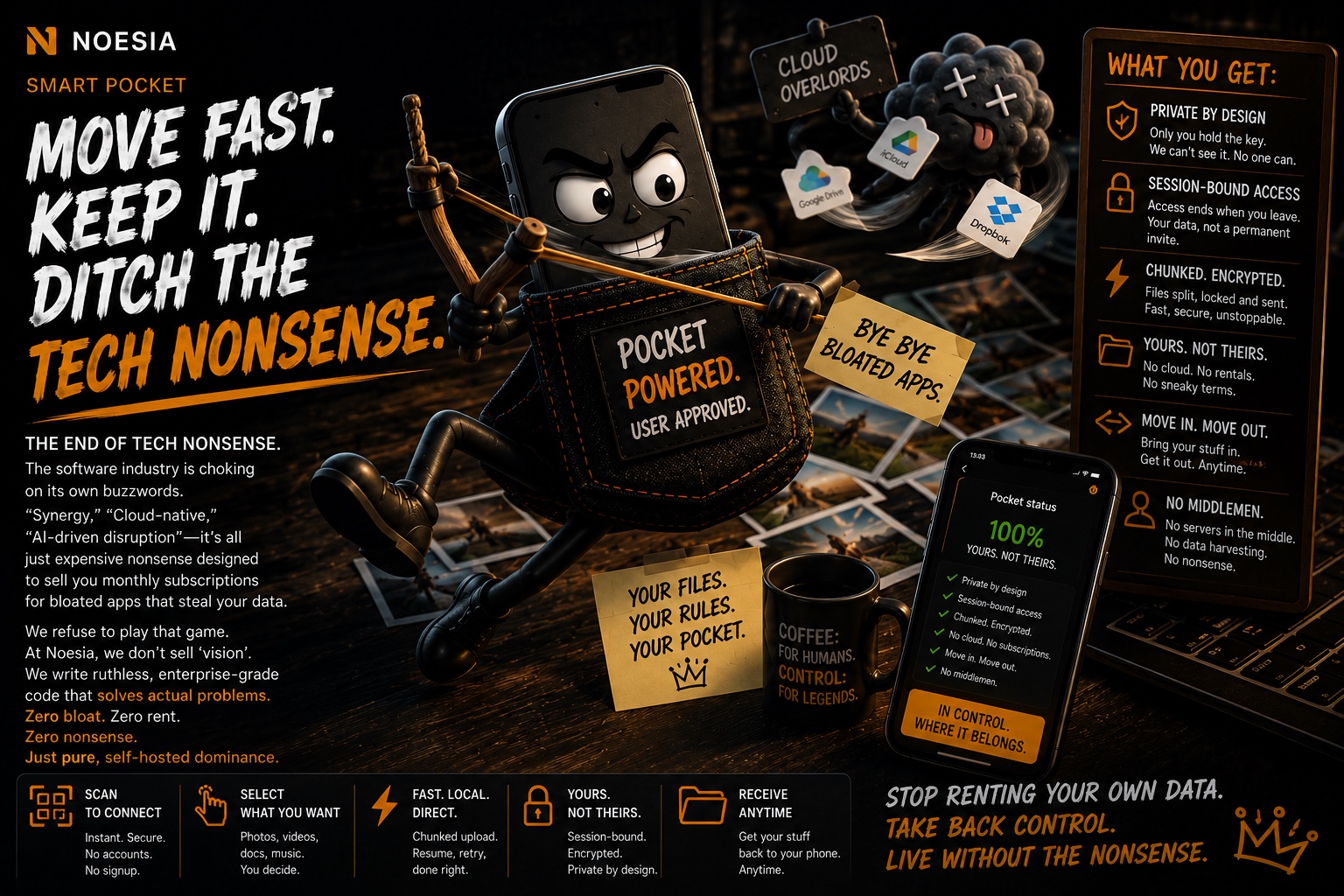
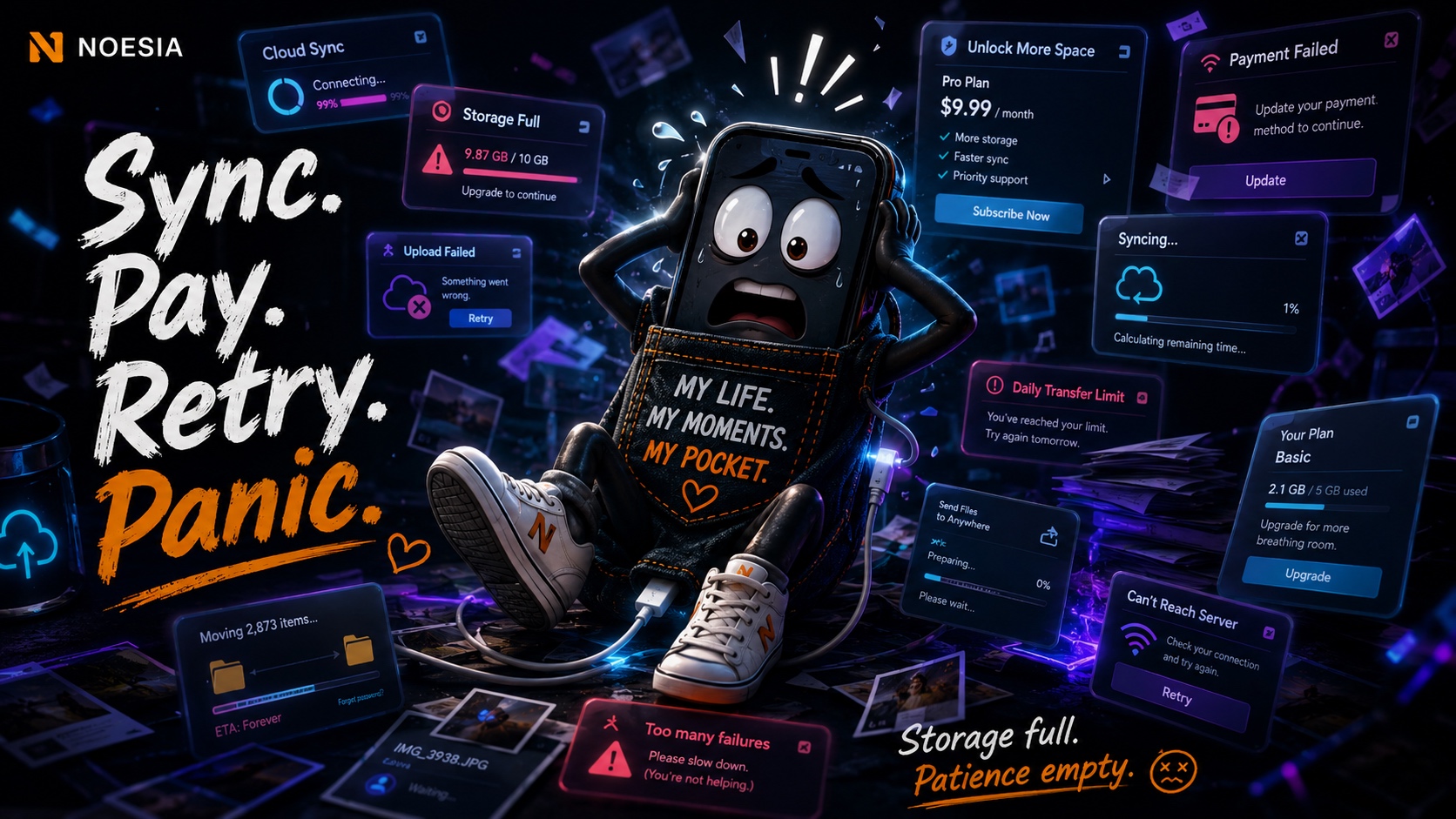
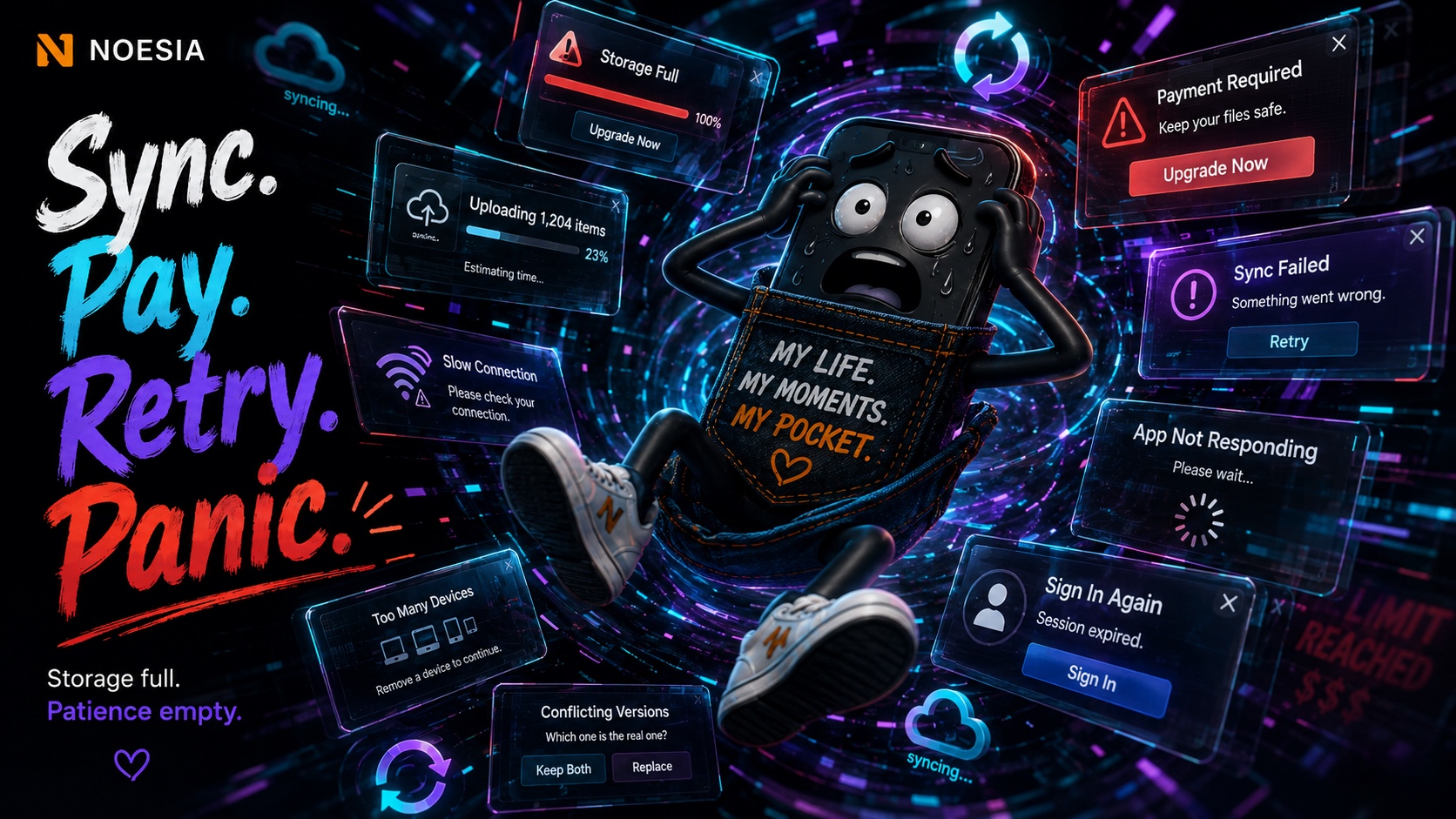
Some apps turn file transfer into a nervous breakdown.
Cloud sync loops. Storage warnings. Subscription traps. Confusing mobile apps. Endless logins. “Upgrade now” fatigue. Too many modern tools have turned a simple task into a stressful ritual.
Noesia Smart Pocket was built as the opposite. One private workspace. One QR session. One clear flow. Move files, receive media, organize content and send it back to phone without the usual mess.
The Transfer Has Landed
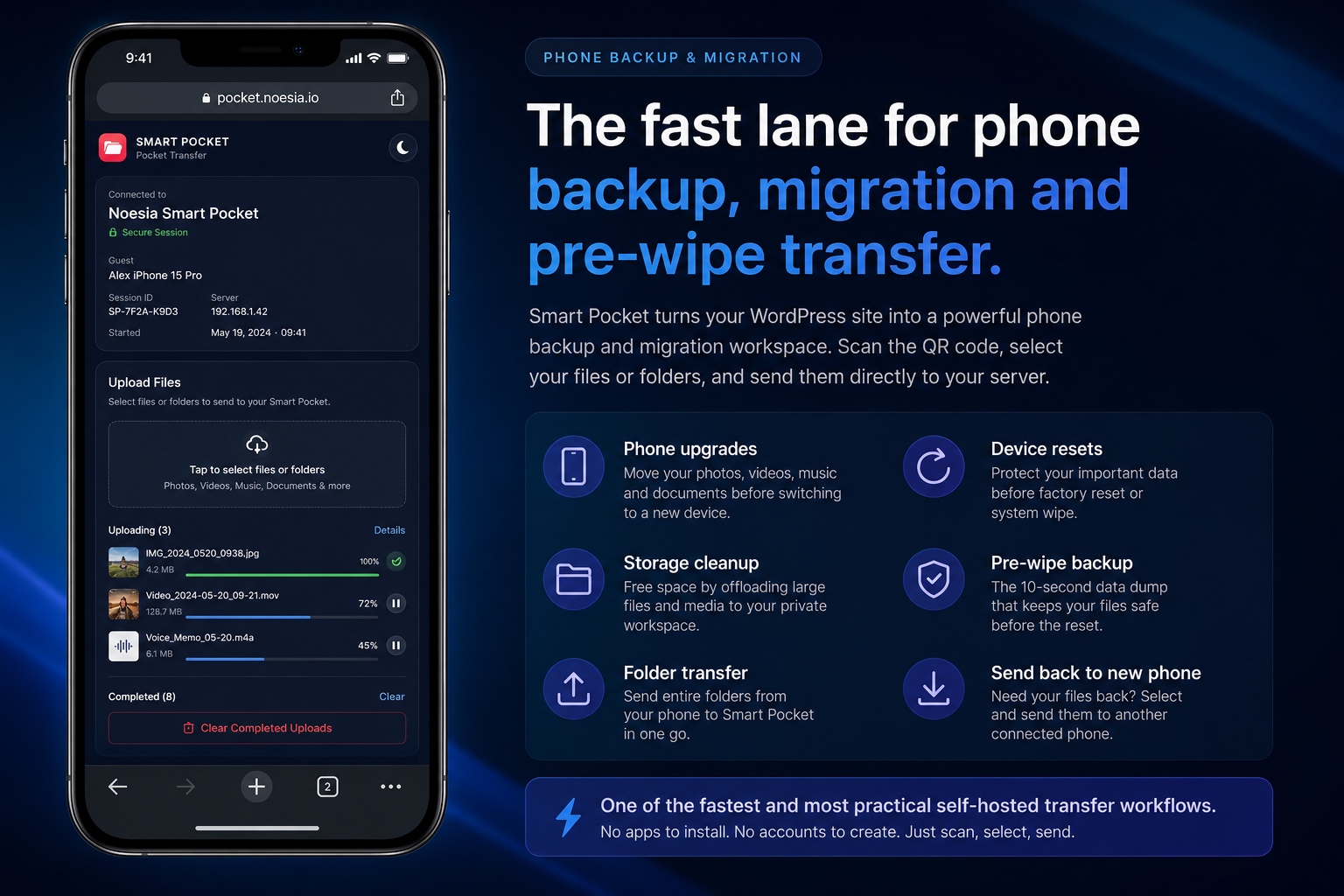
The fast lane for phone backup, migration and pre-wipe transfer.
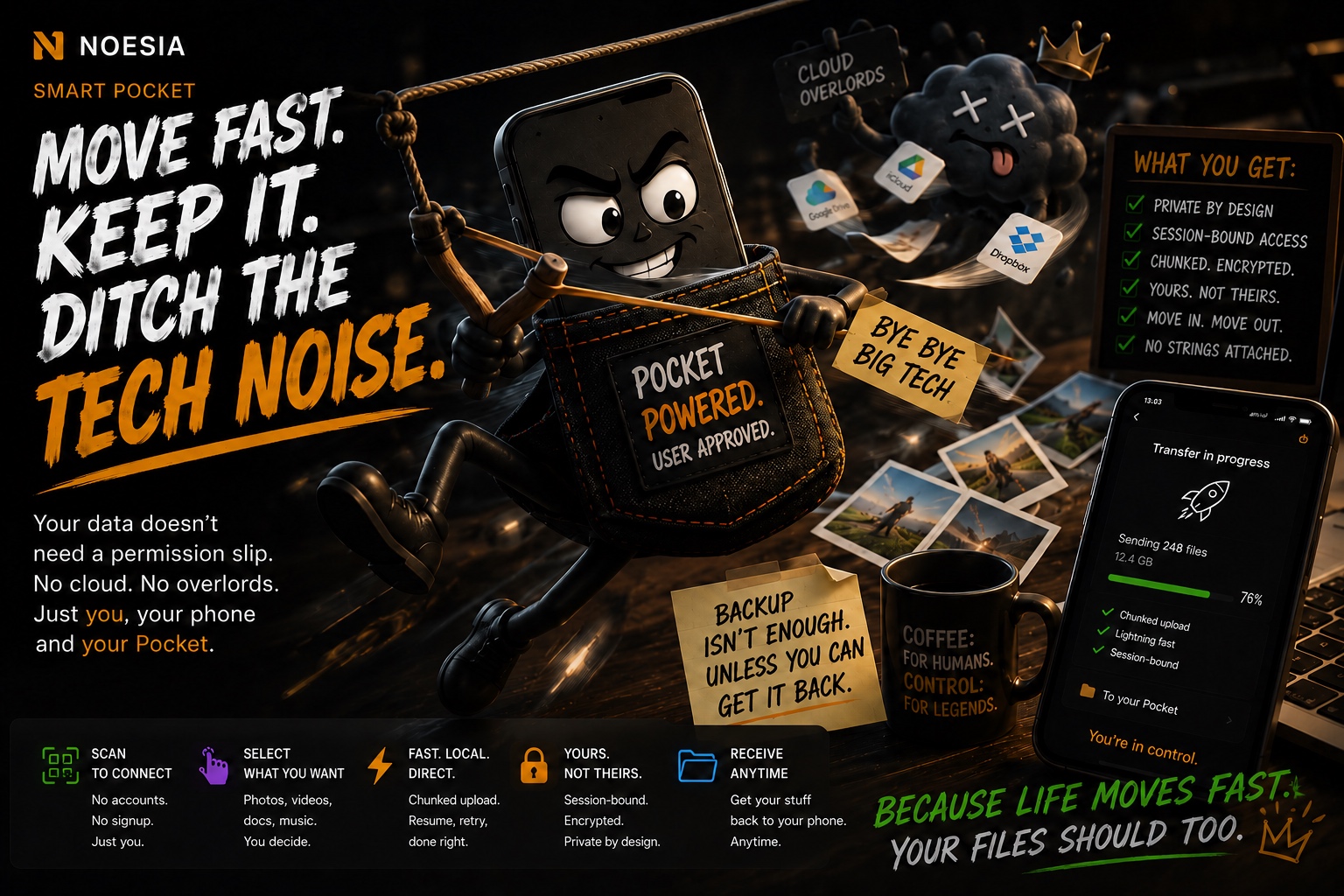
Upgrading your phone? Preparing a device wipe? Clearing years of photos, videos, music, voice notes and personal archives? Do not let cloud limits, app friction or storage warnings decide what happens to your files.
Smart Pocket acts as a practical phone backup and migration workspace. Scan one QR code, open a temporary transfer session, send folders and media libraries into your private WordPress environment, organize everything inside your workspace, then send selected files or whole folders back to a connected phone when you move to a new device.
It is one of the fastest and most practical self-hosted ways to protect and move personal or business files during device upgrades, resets, storage cleanups and pre-wipe backup preparation.
- Phone upgrades, device resets and wipe preparation become faster and more controlled.
- Move folders, media libraries and personal archives directly into your private workspace.
- Send selected files or full folders back to a new phone when you are ready.
- No public upload links, no forced native app installation, no public-cloud dependency for the core workflow.
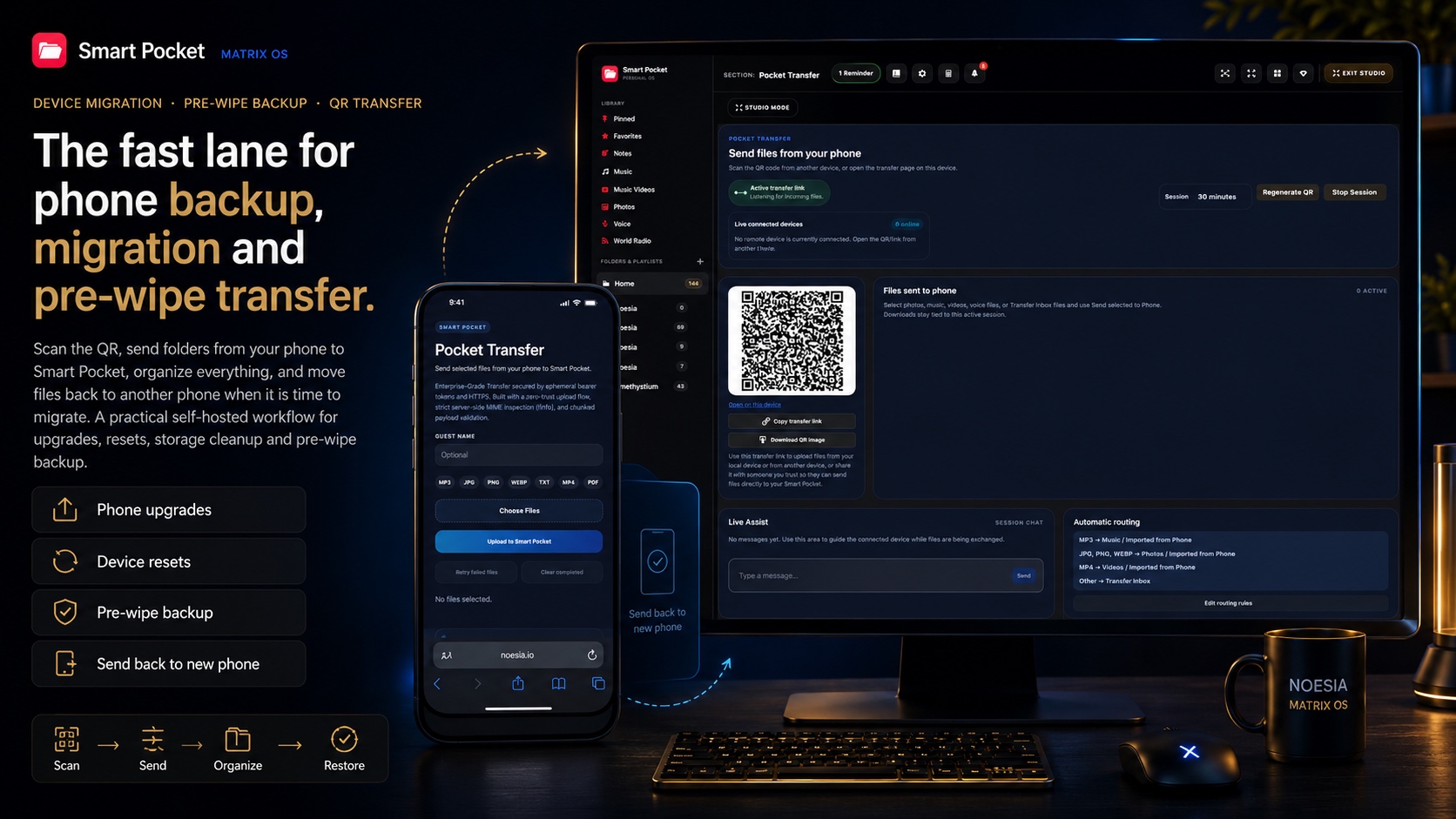
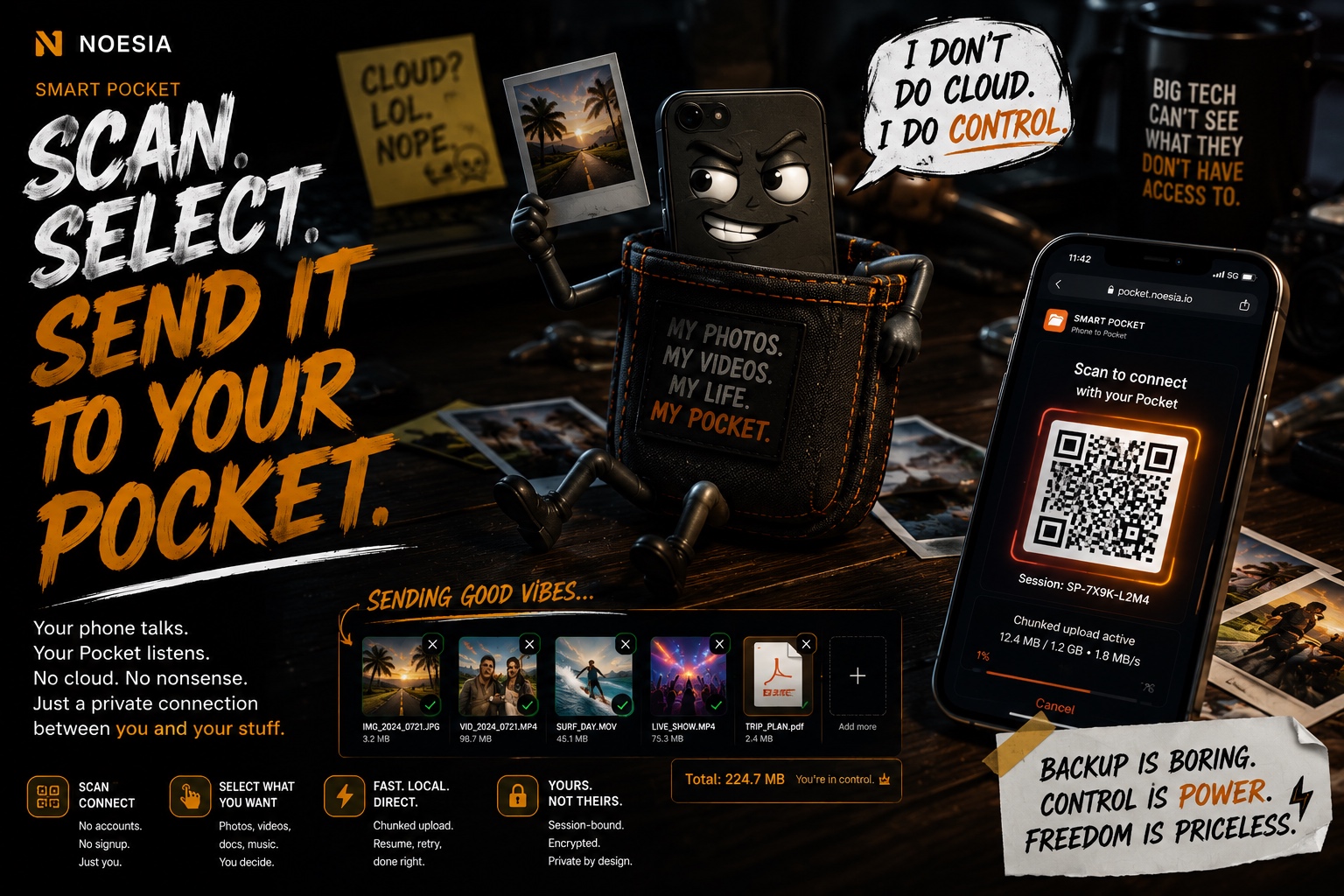
One QR. One session. Files move.
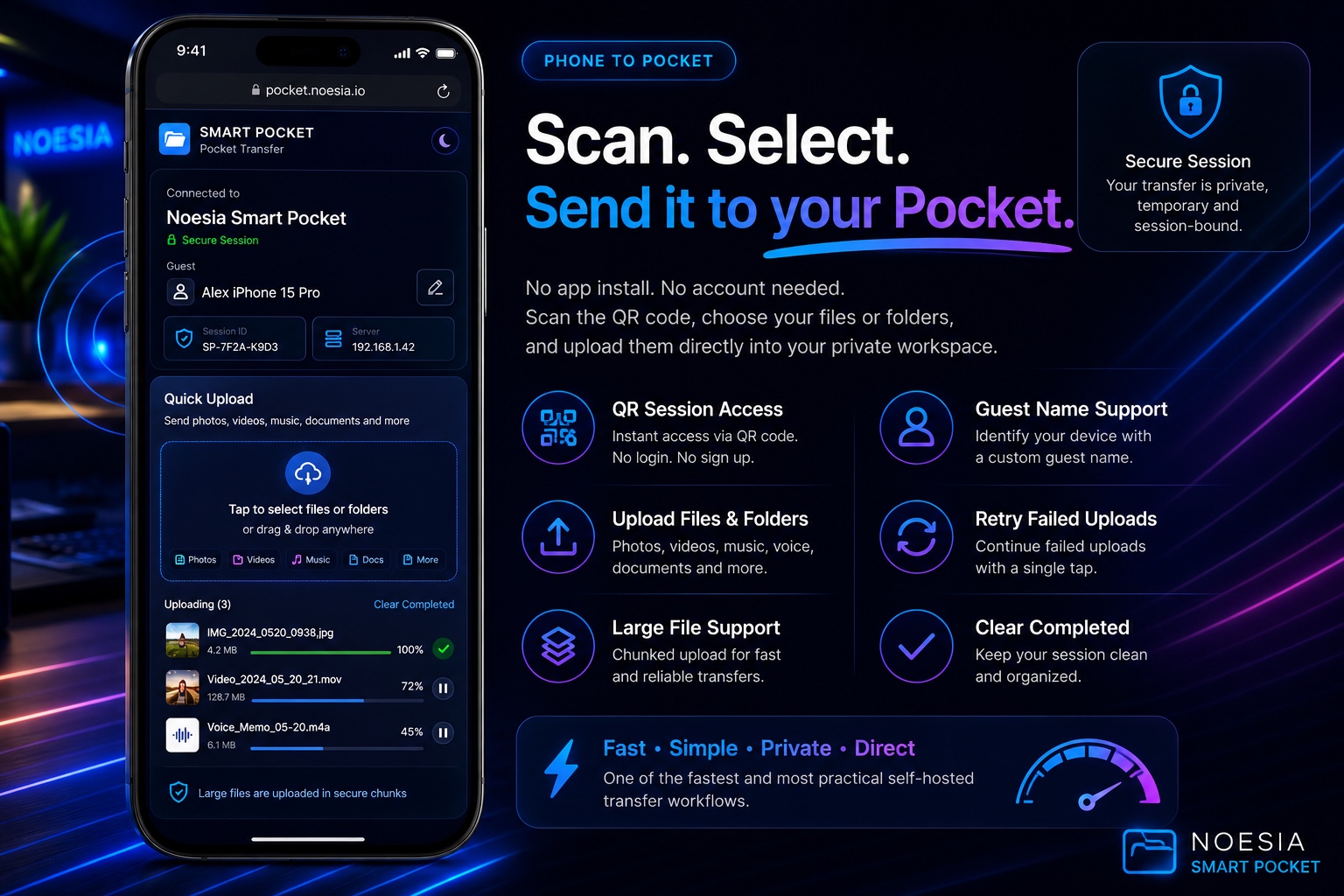
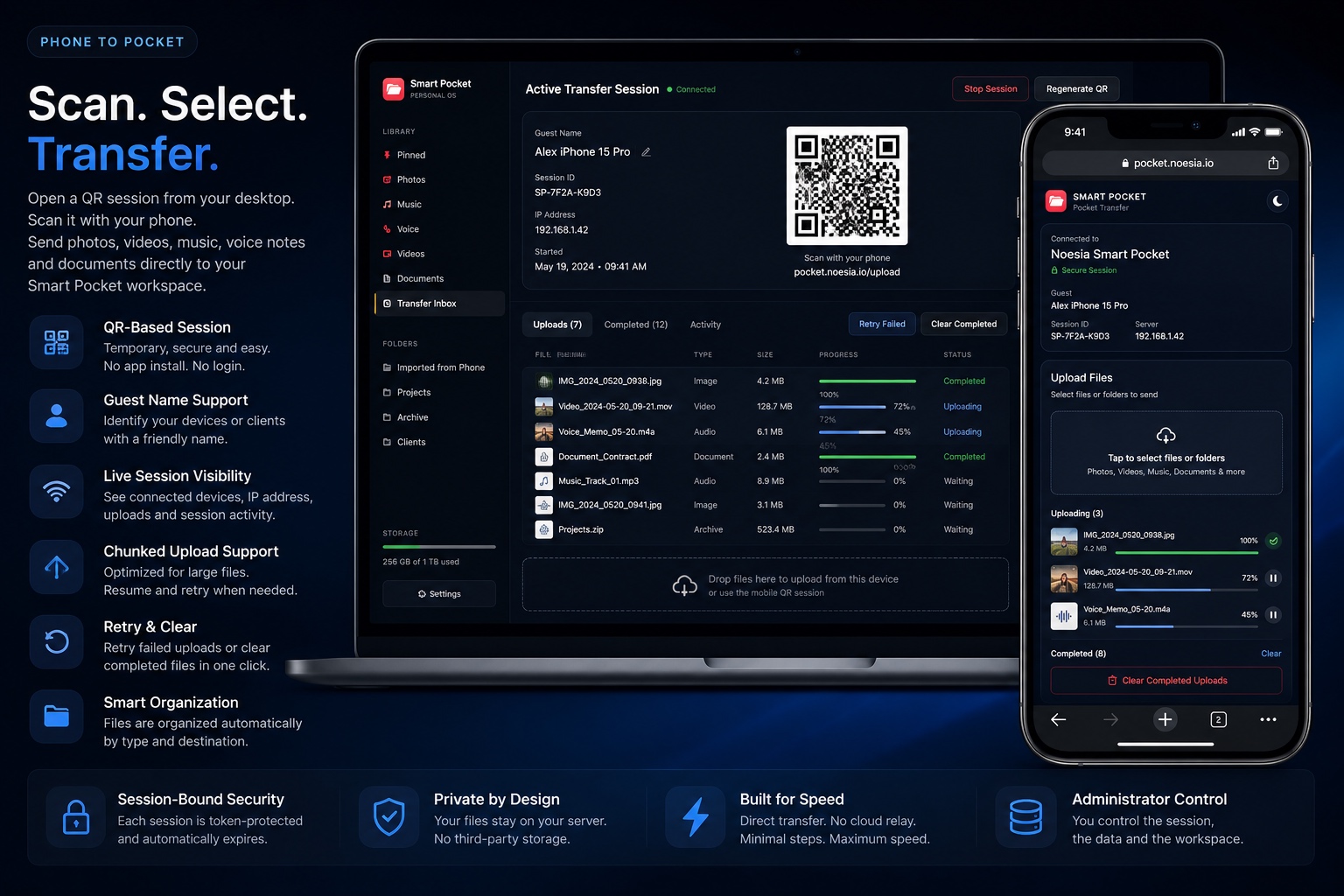
Smart Pocket removes friction from transfer. No pairing ritual. No app-store dependency. No new account for the connected phone. Open the session, scan the QR, select files or folders, and transfer directly into your own media workspace.
QR Session Access
Open a temporary transfer workspace through a clean QR-based flow designed for speed and simplicity.
Guest & Device Visibility
See who is connected, capture guest-name context and monitor practical session activity.
Chunked Upload Logic
Large uploads are handled through chunk-aware transfer logic built for practical phone-to-workspace movement.
Retry & Clear Controls
Failed uploads can be retried and completed ones can be cleared, keeping the session clean and usable.
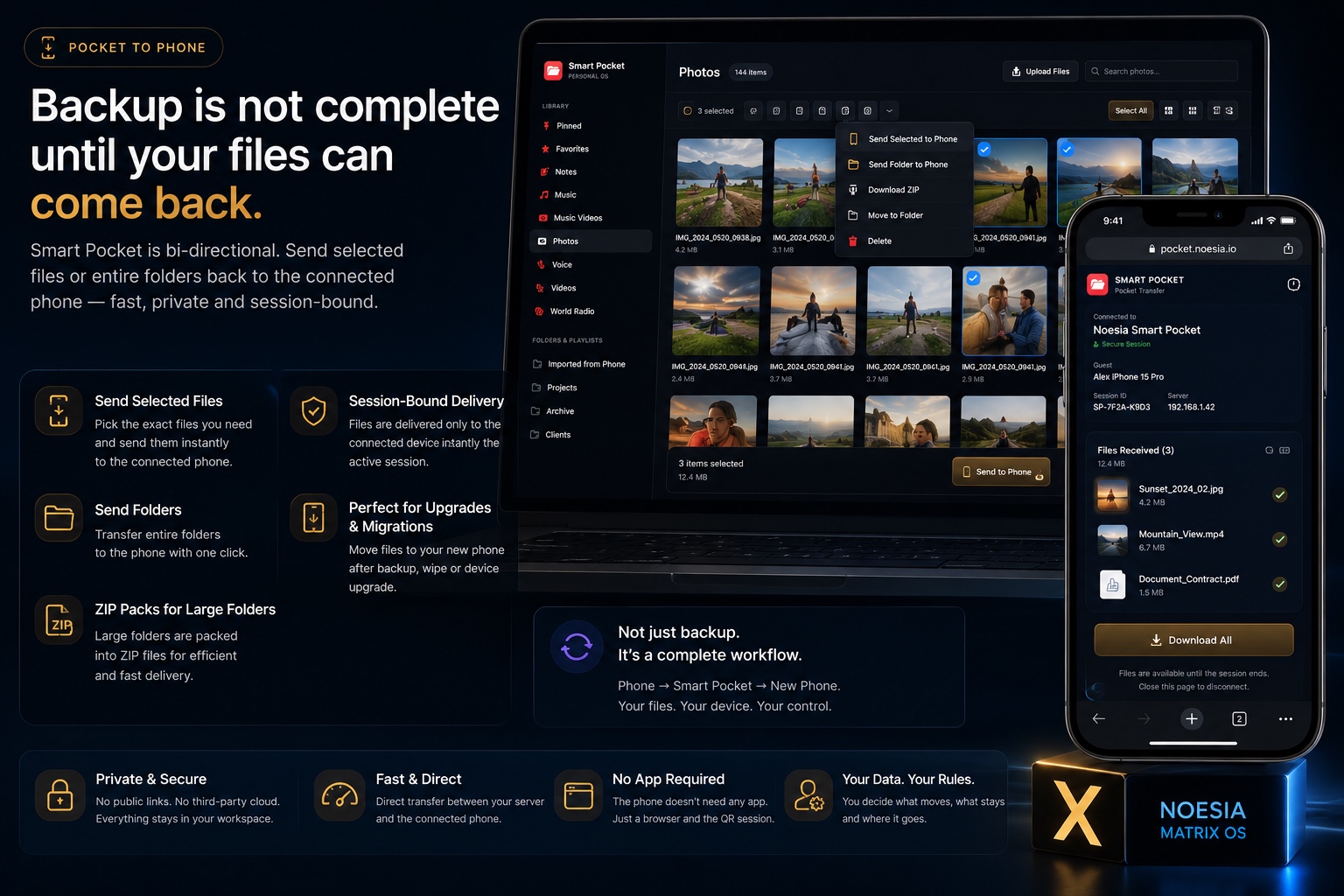
Backup is not complete until your files can come back.
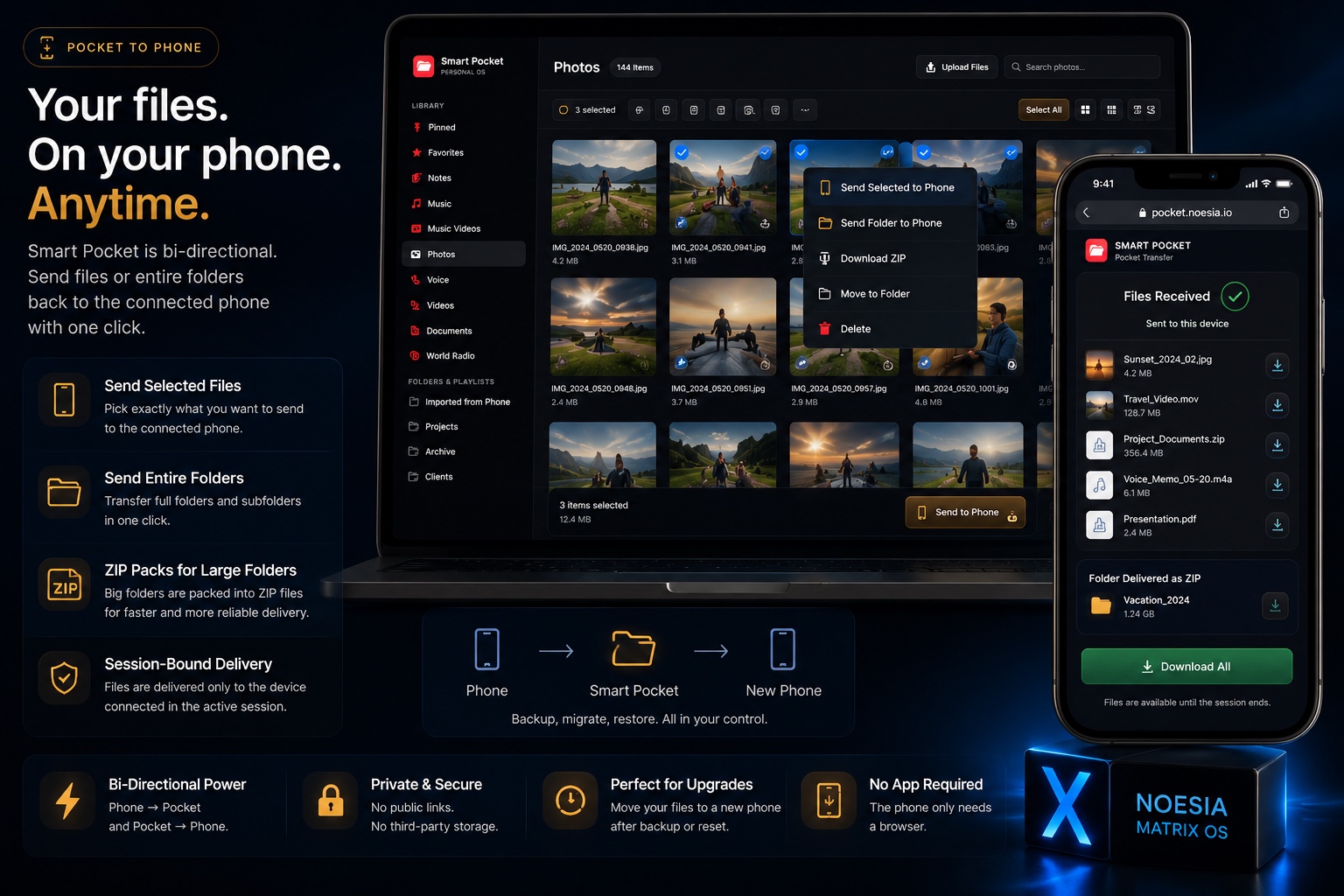
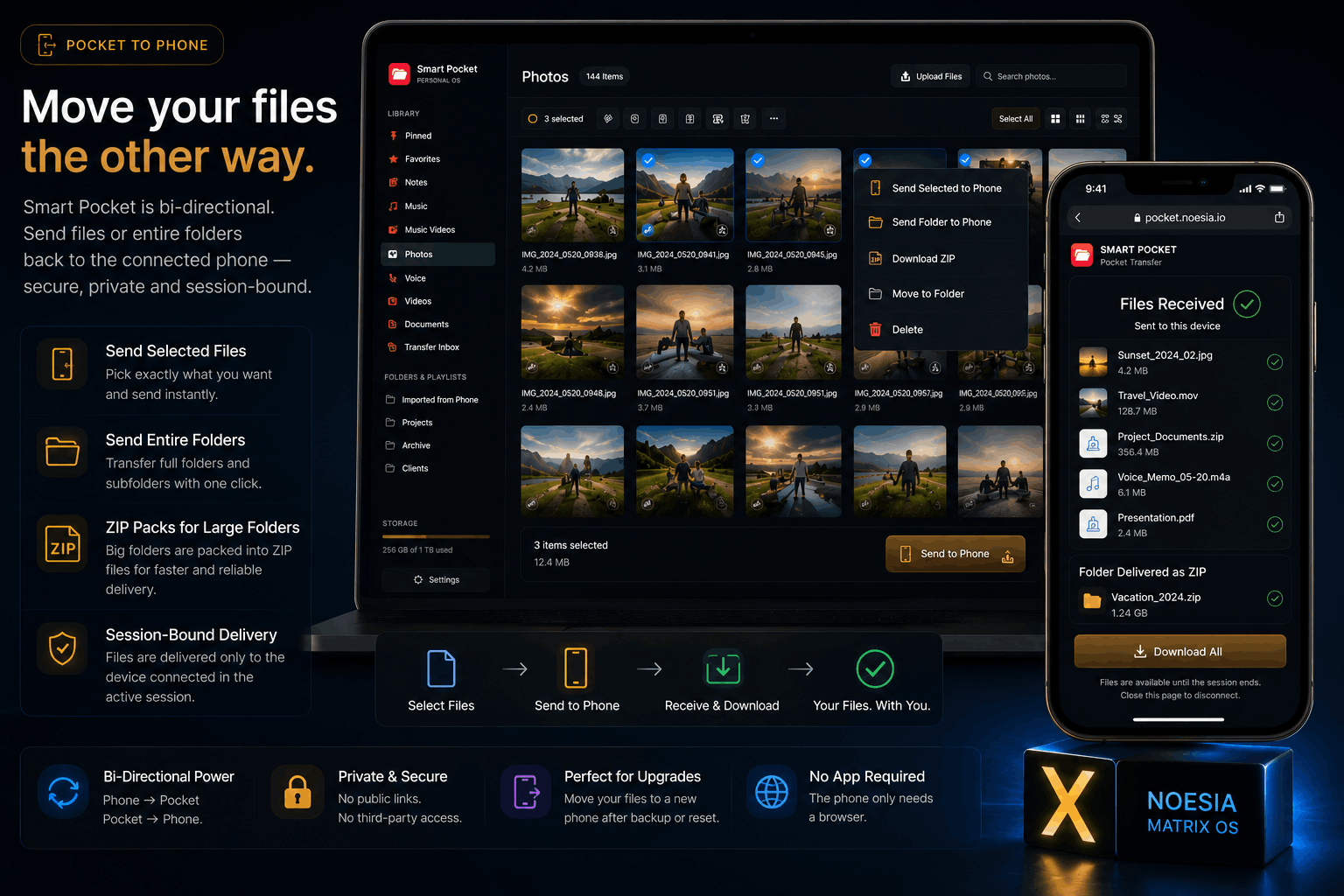
Smart Pocket is not a one-way uploader. It is a bi-directional transfer system.
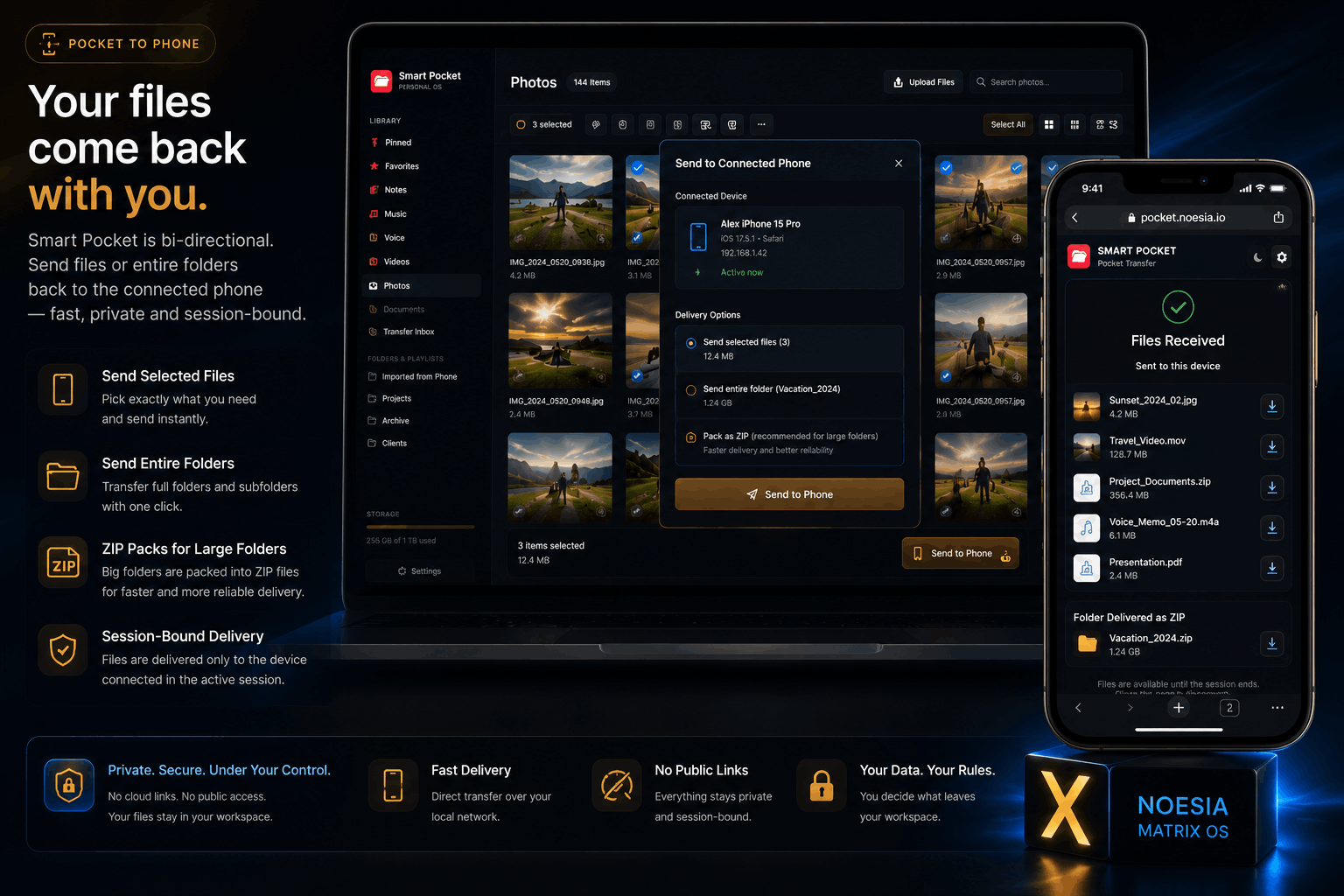
Move files from phone to workspace. Organize them. Then push selected files, documents, tracks, videos or full folders back to a connected phone when needed. This is what makes Smart Pocket useful not only for transfer, but for recovery, migration and practical day-to-day file return.
- Send selected files to a connected phone.
- Send folders to phone through session-bound ZIP packs.
- Useful after phone upgrade, wipe, migration or workspace organization.
- Private session-bound delivery instead of public permanent links.
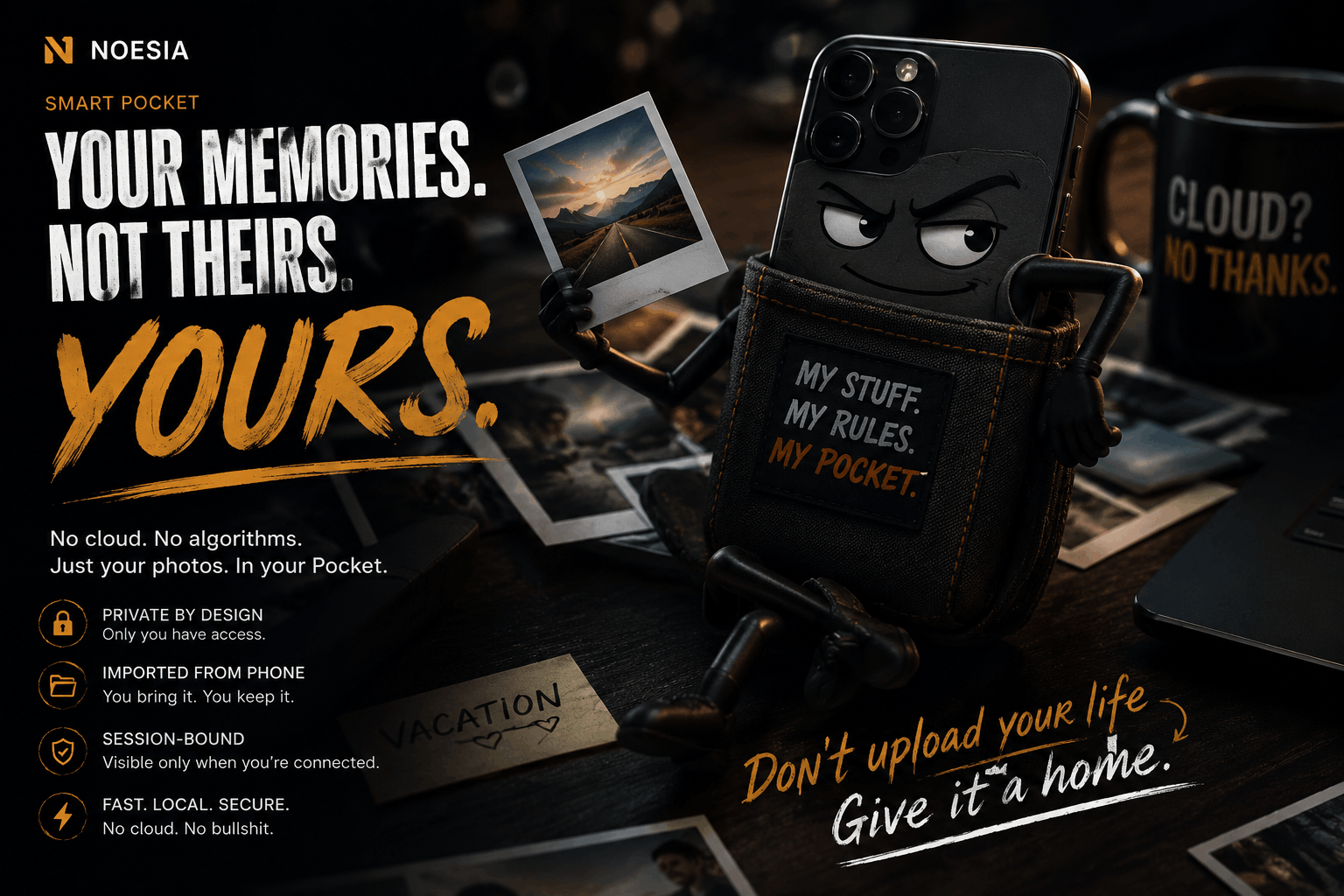
Stop letting someone else decide how your files move.
Traditional cloud ecosystems fragment the workflow: one tool for storage, another for transfer, another for backup, another for sharing, another monthly fee, another login and another warning the moment your files become important.
Cloud-Limited Workflow
Expiring transfer links. Storage pressure. App dependency. Closed ecosystems. Fragmented tools. Public sharing logic for workflows that should stay private and direct.
Noesia Smart Pocket
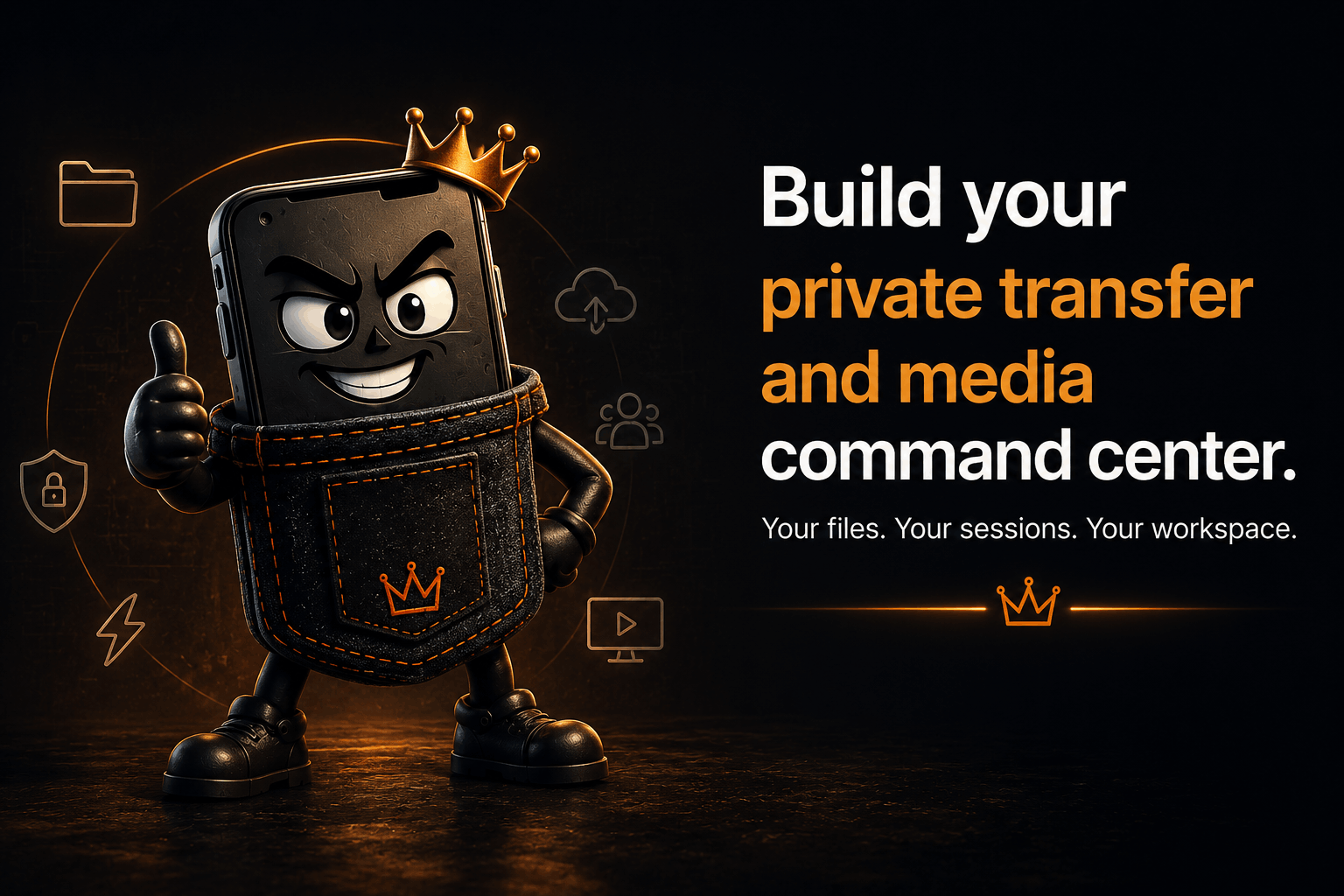
Your own WordPress environment becomes a private transfer and media command center. QR session. Direct file movement. Private workspace. Send-back-to-phone capability. Practical operational control.
Built for speed. Designed for real-world transfer.
Smart Pocket is one of the fastest and most practical self-hosted transfer workflows because the process is direct, clean and visible.
Open a session. Scan the QR. Upload. See the connected device. Receive the files. Send them back if needed. The experience is fast not only because of code, but because unnecessary steps have been removed from the workflow.
- No Bluetooth pairing ritual.
- No account creation for the connected phone.
- No app-store friction.
- Live connected-device visibility.
- Practical for personal and business use.
You are not transferring blind.
Smart Pocket lets administrators see when a device is connected, who is connected if a guest name is used, what is being uploaded and when the session should be stopped or regenerated.
- Connected device visibility.
- Guest Name support.
- IP / session context awareness.
- Live upload counts.
- Stop Session control.
- Regenerate Session control.
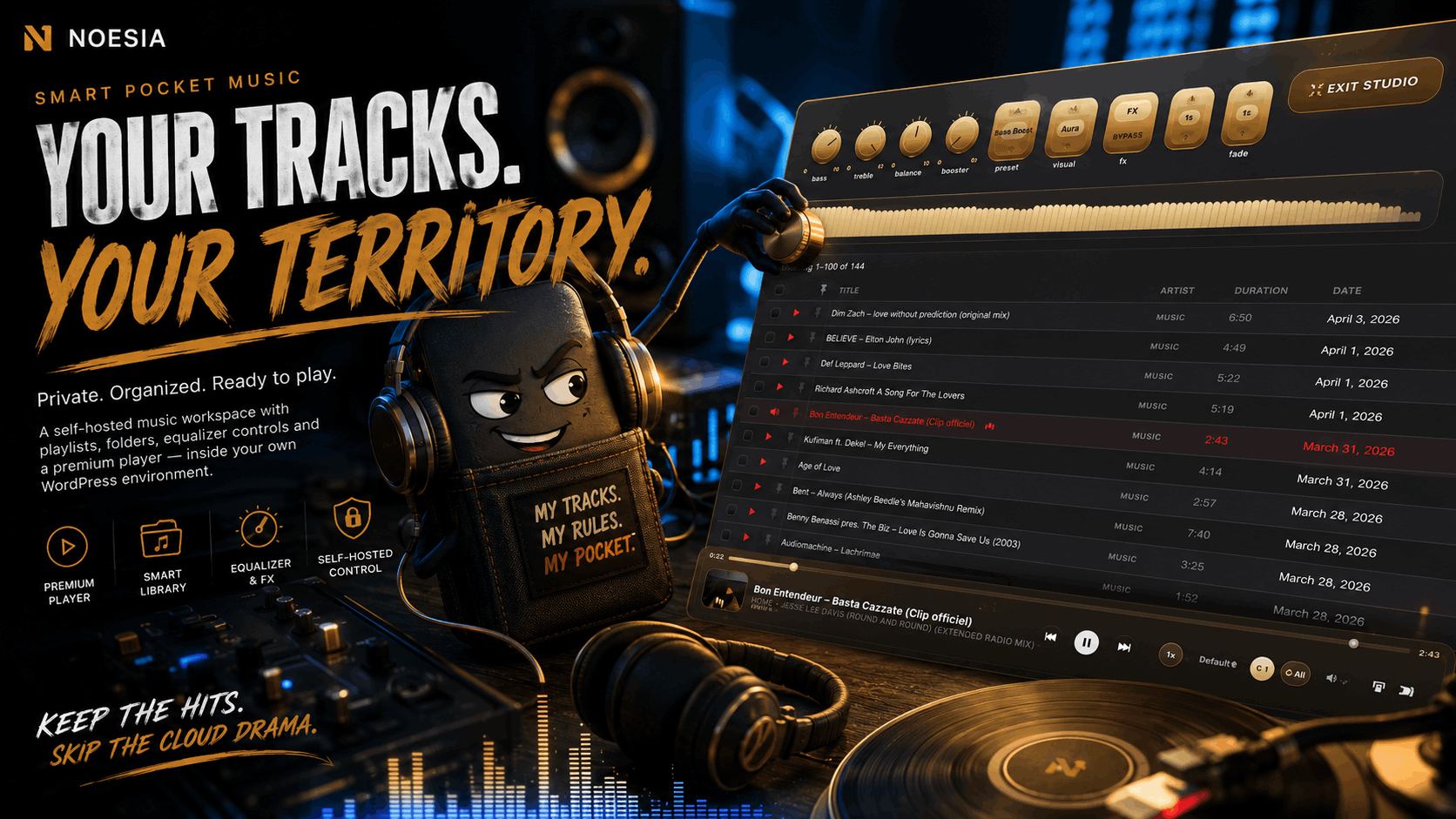
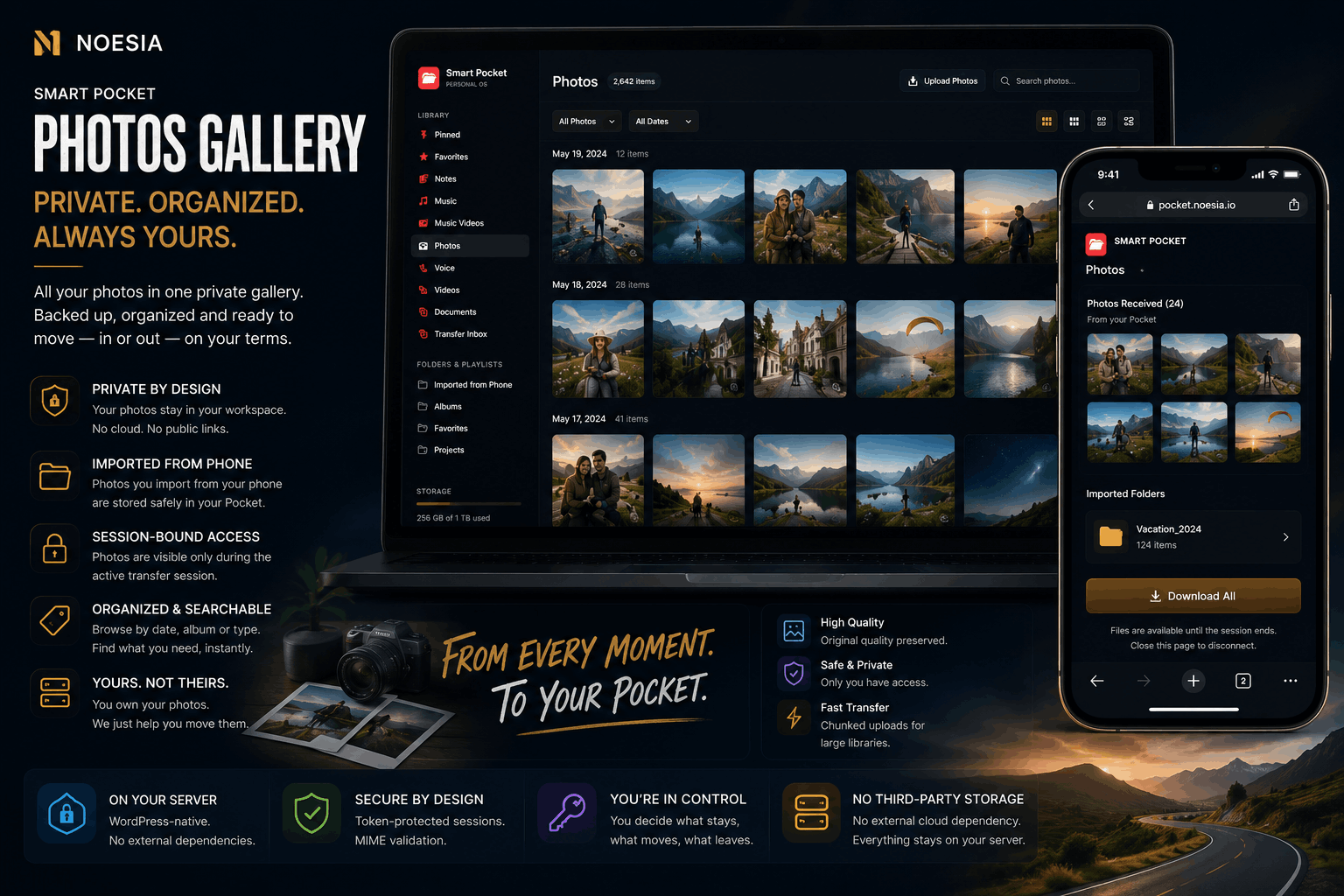
More than transfer. A private media center built inside WordPress.
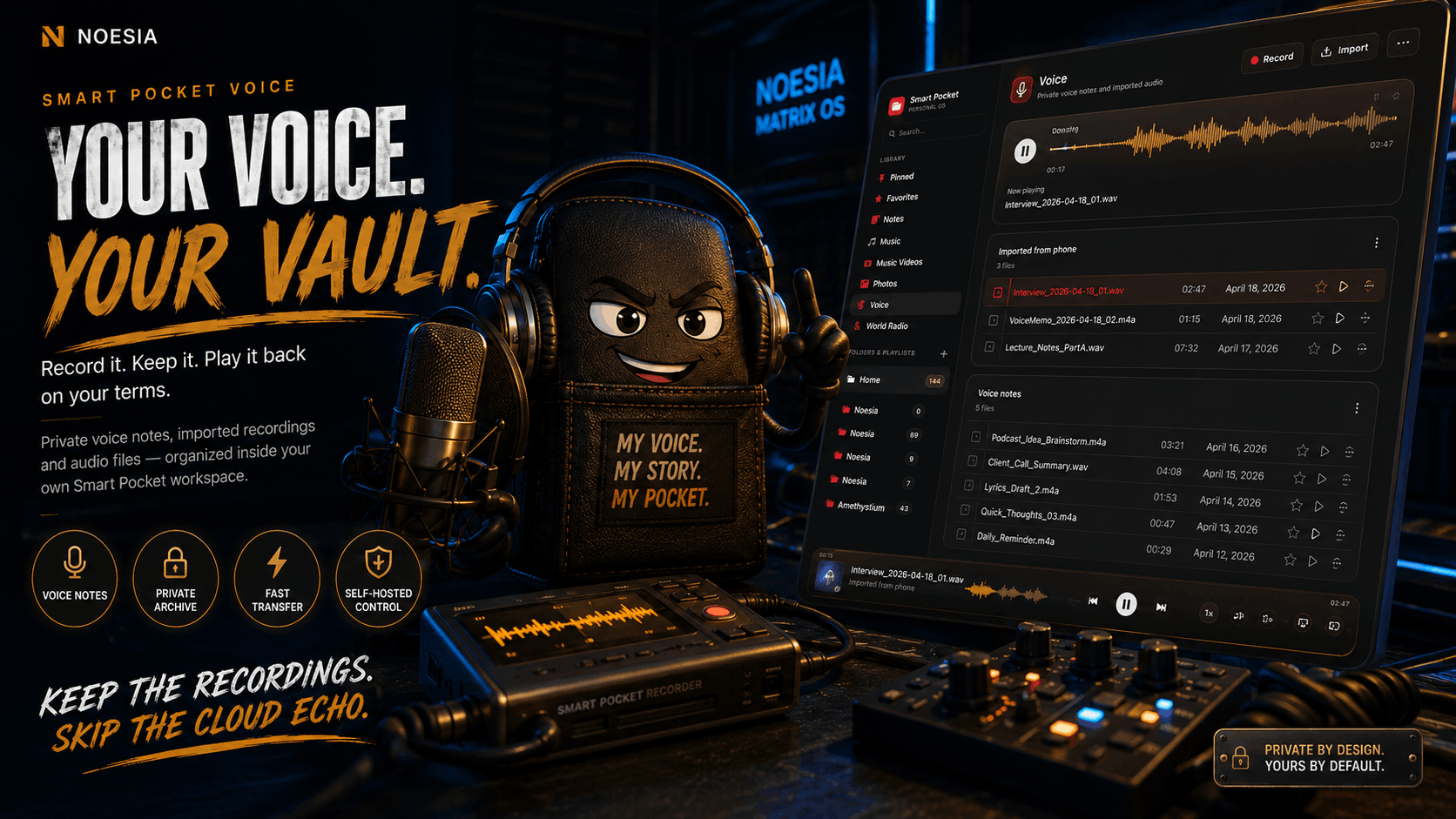
Files do not disappear into a dumb upload area. They land inside a private media workspace designed for organization, browsing, playback and practical control.
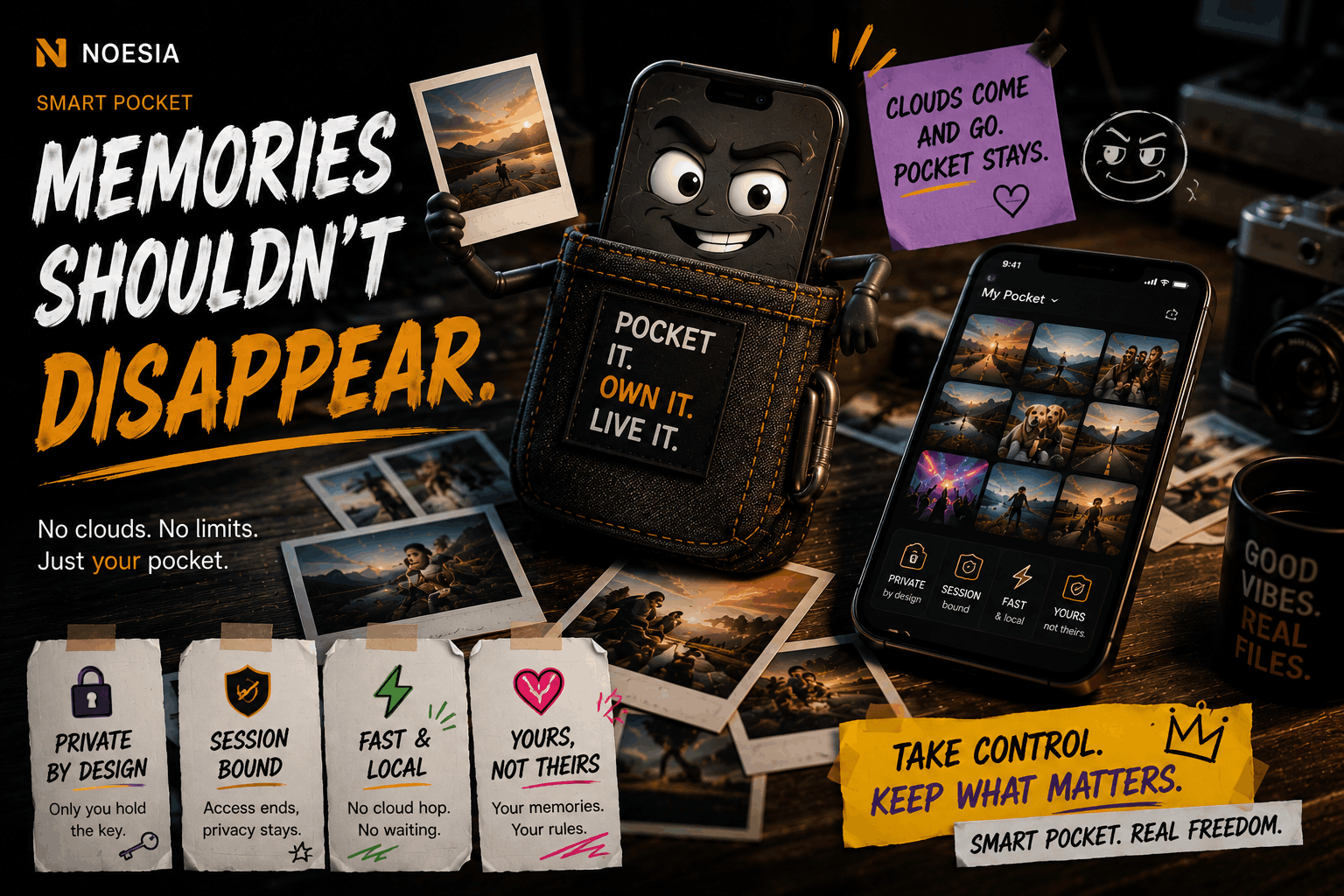
Talk to the connected device while the session is active.
Smart Pocket is not just transfer. It is also communication during transfer.
With Live Assist, the administrator and the connected phone can exchange session-based messages in real time. This is useful for clients, teams, collaborators, photographers, agencies, staff and anyone who needs simple guidance while the session is running.
- Admin-to-phone messaging.
- Mobile replies.
- Session-based communication.
- Practical transfer guidance.
Built for real situations, not theoretical demos.
Phone Upgrade & Wipe
Move personal folders, media and documents before resetting or replacing a device.
Personal Media Backup
Keep your music, voice notes, photos, videos and files in a private self-hosted workspace.
Photographer Collection
Receive photo and media submissions directly from connected devices through a QR session.
Agency & Client Transfer
Receive assets from clients and send selected files or folders back without public transfer-link chaos.
Staff-to-Admin Media Flow
Useful for internal teams, events, service staff and contributors sending media to a central workspace.
Recovery & Return
Send selected assets or entire folders back to a new phone after migration, replacement or cleanup.
Self-hosted control with serious transfer architecture.
Smart Pocket is part of the Noesia Matrix architecture: a modular WordPress-powered system built around practical control, transfer visibility and private media handling.
Modular Structure
Built inside a modular Noesia Matrix approach with scoped assets and focused workflow design.
Token-Protected Sessions
Transfer flows are session-based and designed for practical control rather than public permanent access.
Server-Side Validation
Media and transfer workflows use server-side validation logic and session-aware handling.
WordPress-Native Workflow
Built for WordPress with translation-ready logic and scoped UI behavior.
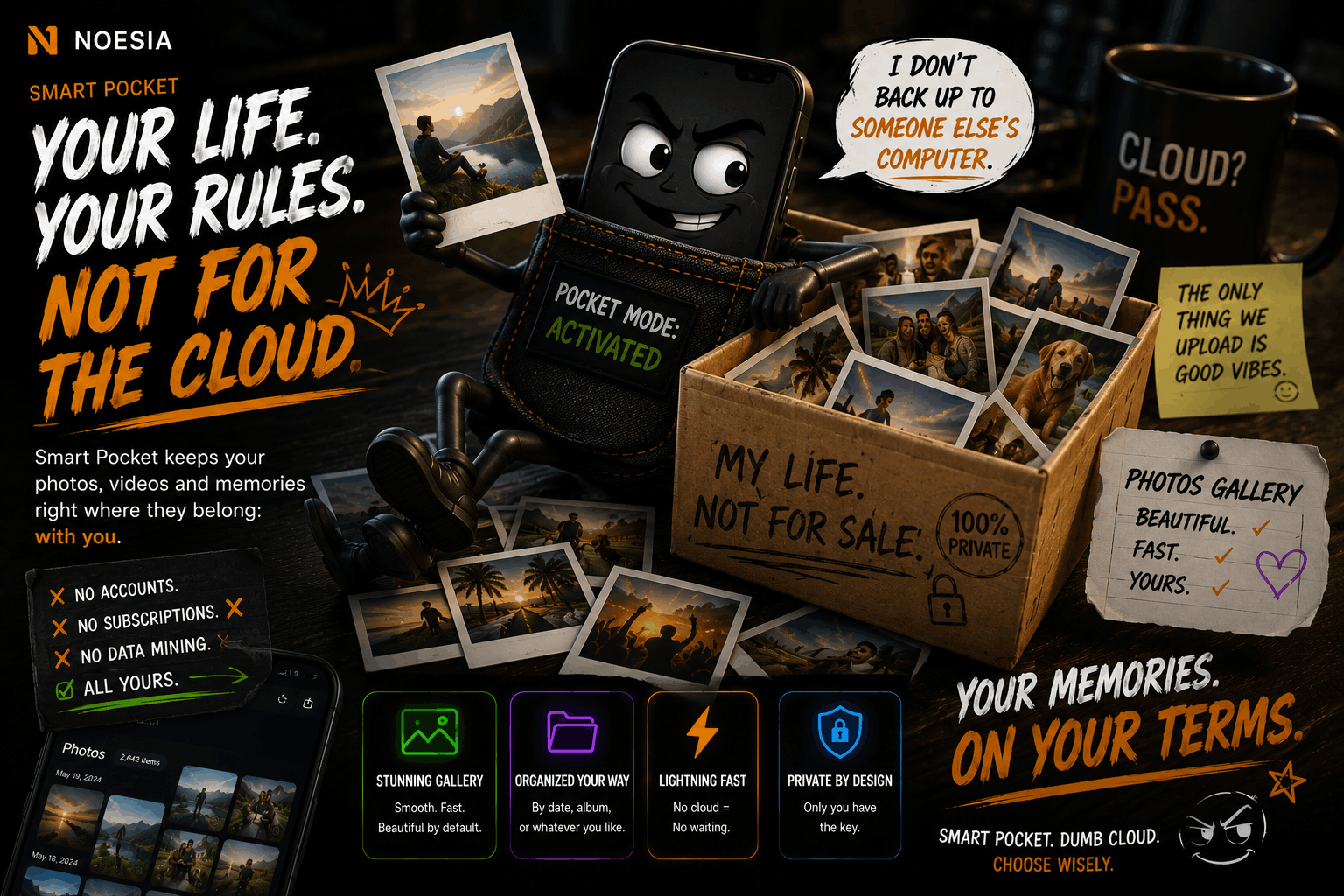
Technology should liberate. Not trap.
Ultimately, technology lost its original purpose the exact moment it stopped liberating humans and started renting them out. We are living through the absolute decay of a digital dark age—where “innovation” is measured by how many ads fit on a screen, how much personal data can be harvested, and how much wealth can be hoarded inside closed, monopolistic ecosystems.
The Noesia Matrix OS is not just a technological response to this decay; it is a decisive exit from their system. We are resetting the digital axis back to its pure, original promise: tools that serve their creator, infrastructures that enforce privacy by design, and architectures that reduce chaos instead of feeding on it.
Noesia Smart Pocket is one of the clearest practical expressions of that philosophy. It takes something painfully ordinary — moving files between phone, workspace, server and device — and turns it into a private, self-hosted, session-based experience built around ownership, transfer speed, practical control and digital independence.
Built for the few who refuse to compromise.
This trajectory transcends code, business plans and temporary tech trends. It is a declaration of resilience against the chaos of the modern digital world. It proves that true, disruptive innovation is not born in another sterile ecosystem built to trap attention, extract value and make the user more dependent than before.
It is forged by people who refuse to compromise.
Noesia Smart Pocket was built for uncompromising professionals, creators, agencies, scientists, operators, private users and visionaries who want to own their workspace instead of renting access to it. For those who understand that privacy is not a badge, speed is not a vanity metric, and ownership is not nostalgia — it is the next chapter.
The foundation is set. The gates are open for those ready to abandon the golden cage and build their own private media and transfer command center.
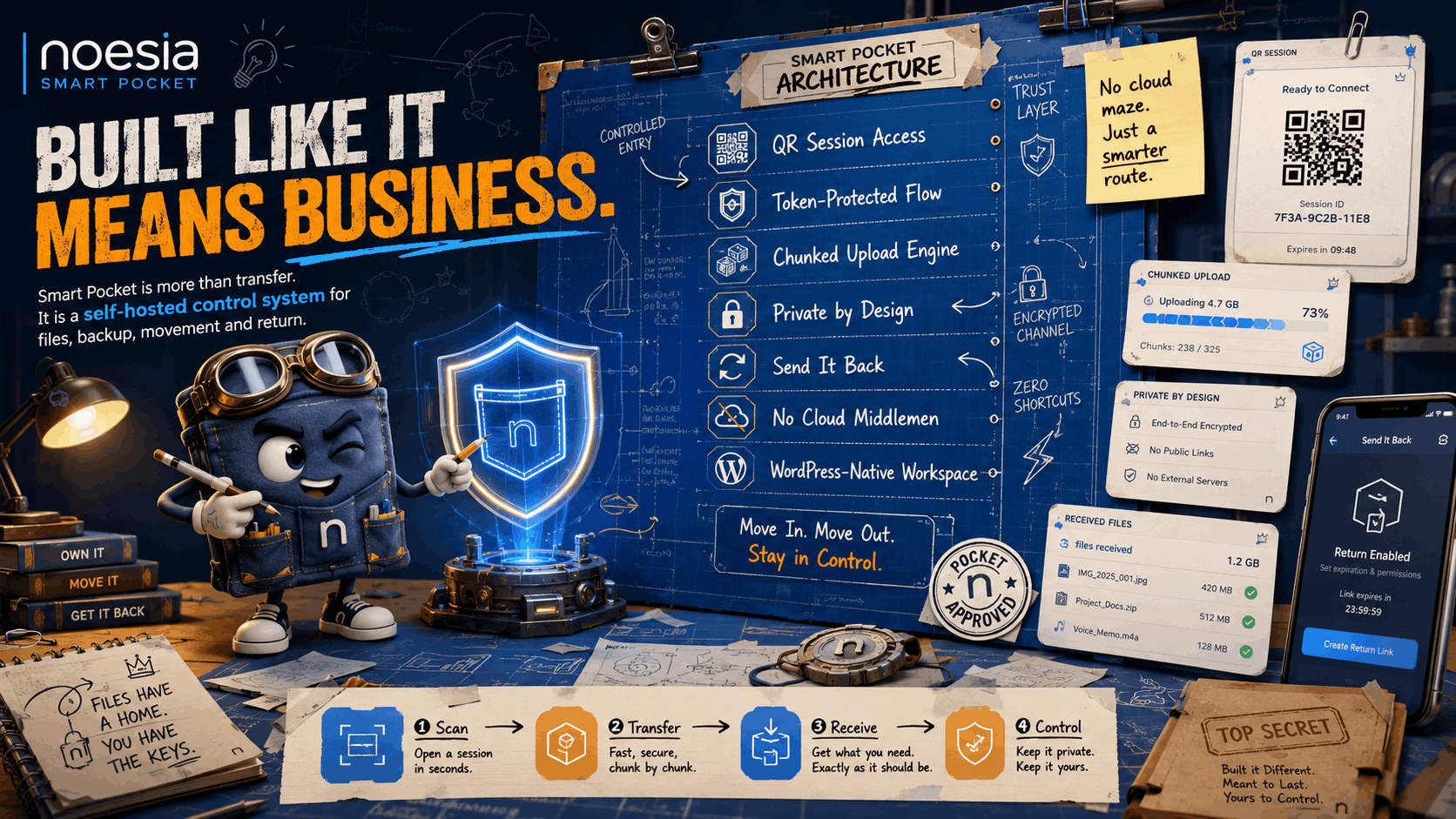
Build your private transfer and media command center.
Move beyond expiring links, bloated app ecosystems and fragmented file workflows. Noesia Smart Pocket gives you a faster, cleaner and more controlled way to manage media, move files between devices and prepare for backup, recovery and migration with confidence.
