Clinics and operator-led screening rooms
Useful when a clinician, assistant, or trained operator needs a controlled surface for initial visual checks, repeatable test flow, and clear handoff into the next clinical decision.

Vision Screening is the guided clinical screening surface of the platform. It is designed for visual acuity and structured testing flows, helping operators run organized, repeatable, operator-led checks inside a clean professional environment before deciding whether a patient, student, worker, or visitor needs deeper clinical follow-up.
Important positioning: Vision Screening is built as a structured screening and triage-oriented environment. It supports guided assessment and repeatable operator-led checks, but it should not be presented as a replacement for full ophthalmic diagnosis, specialist interpretation, or country-specific regulated clinical reporting without the appropriate professional workflow around it.
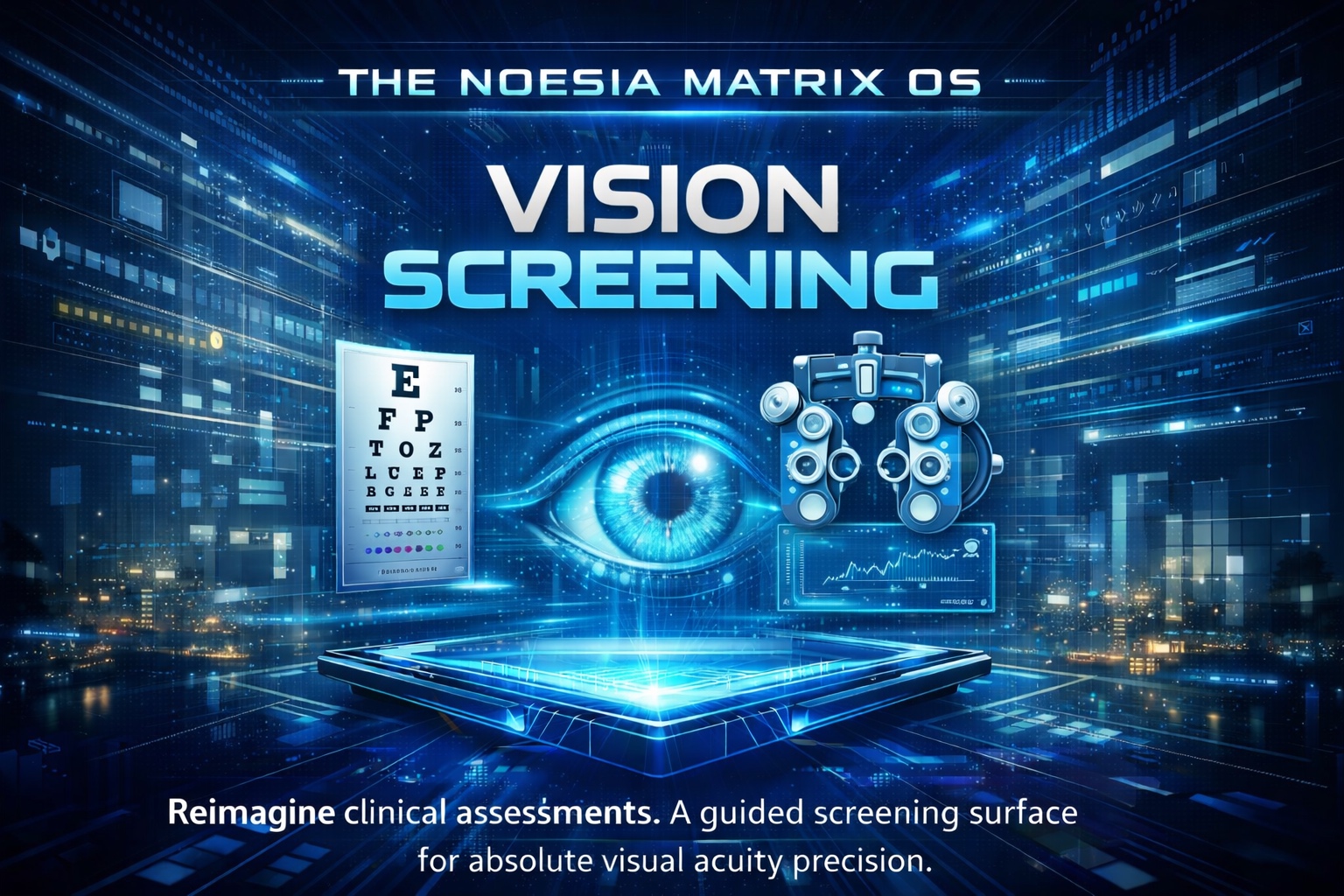
Useful when a clinician, assistant, or trained operator needs a controlled surface for initial visual checks, repeatable test flow, and clear handoff into the next clinical decision.
Useful for organized screening campaigns where many participants must be checked in a structured order without turning the process into scattered paper-based work.
Useful for companies, occupational health teams, and controlled evaluation environments that need guided visual assessment before escalation or formal specialist review.
A guided digital surface for visual acuity, astigmatism pattern checks, near vision orientation, color vision screening, Amsler grid support and structured first-pass review.
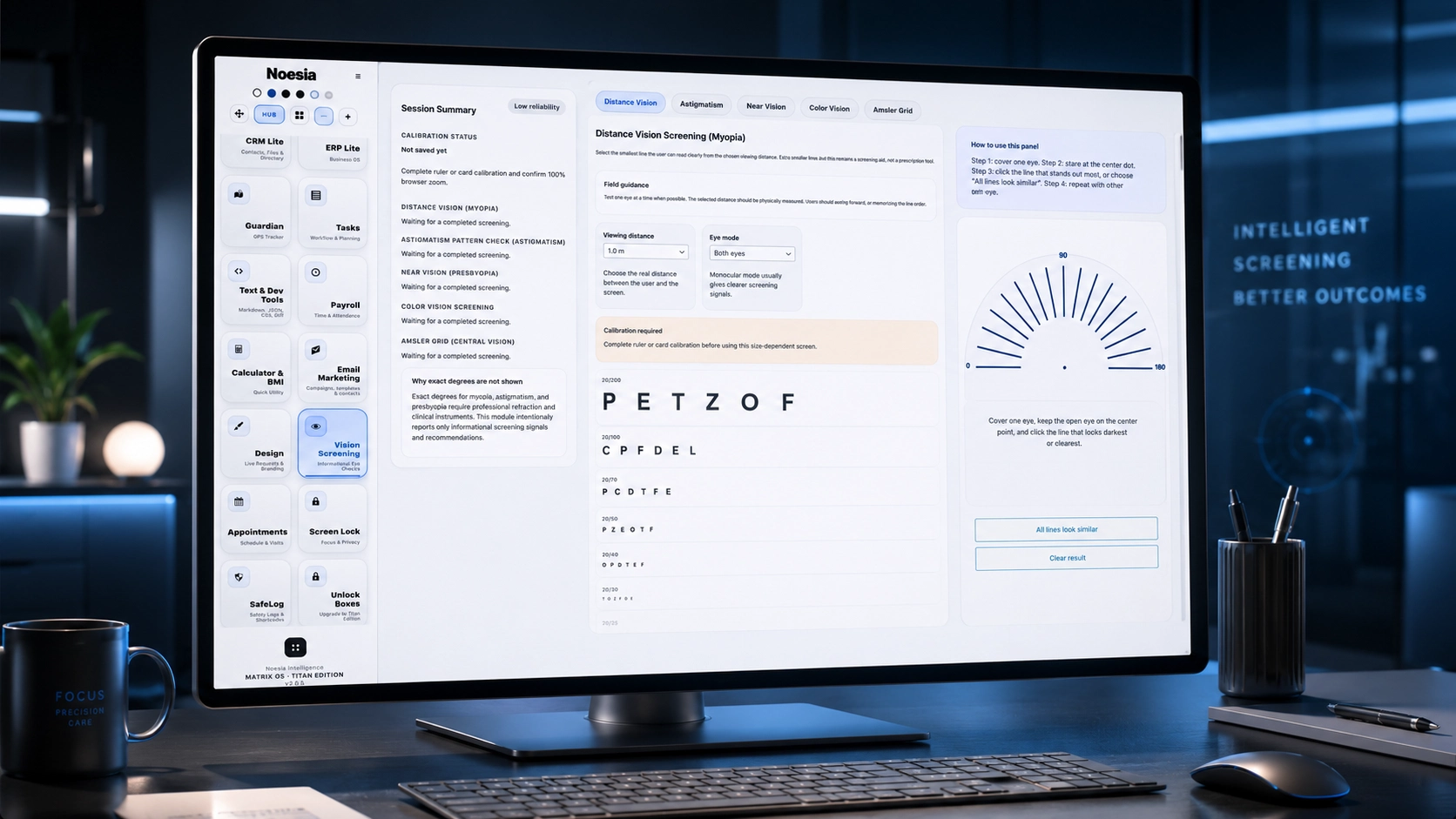
Admin path: open the Noesia Smart Waiter admin area and select Vision Screening from the plugin shell navigation.
Tier: this module belongs to the Pro layer.
Role expectation: it is intended for professional, supervised use where visual screening is performed by a clinician, trained operator, or responsible staff member.
Use a controlled room, stable viewing conditions, and a clear operator position so the module can be used in a repeatable professional way.
Before starting, agree how the team will interpret pass, review, or referral outcomes so screening results stay operationally consistent.
The module works best when the workflow is run by a responsible clinician, trained assistant, or organized operator who understands the local screening protocol.
Know in advance what happens when a result needs follow-up, referral, re-test, or full specialist examination.
Launch Vision Screening from the admin shell and prepare the participant or patient for the guided workflow.
Move through the structured screening sequence using the operator-led interface instead of ad-hoc verbal or paper-only handling.
Use the module as a controlled reading surface to understand whether the result looks normal, uncertain, or worthy of referral.
If attention, viewing conditions, or operator confidence were not good enough, repeat the screening session before escalating.
Use the result as part of a wider professional workflow: pass, monitor, re-test, or move the case into a fuller clinical examination path.
This is the controlled starting point of the workflow, where the operator begins the session and keeps the process structured from the first step.
The core screening logic lives here, helping the operator keep the participant inside a consistent sequence instead of fragmented manual checks.
This area supports interpretation, comparison, and quick decision-making during the screening flow.
These controls help the user move, repeat, review, and complete the flow without breaking concentration.
The module is designed to support practical screening outcomes rather than turn the session into a visually cluttered technical screen.
The overall interface is intended to feel controlled, clinical, and repeatable for real operator-led use.
Use Vision Screening as a first-pass controlled check before deciding whether the case can continue normally or needs fuller ophthalmic attention.
Run many students or participants through a structured flow so the operator can identify who may need referral without losing order or consistency.
Use the module in supervised environments where a company or provider wants cleaner visual screening before staff continue into role-specific tasks.
If fatigue, attention, lighting, or setup affected confidence, repeat the flow and review again before escalating the case unnecessarily.
Use the module as a structured gate between simple screening and full specialist assessment.
Issue: the module does not appear in the admin shell.
Why it happens: the current account lacks the required capability, the Pro layer is unavailable, or the module was excluded from the current deployment.
What to do: test with the correct administrative account, confirm Pro access, and verify that the module is present in the installation build.
Issue: results or session quality vary too much from operator to operator.
Why it happens: the local team may not be following the same screening protocol or interpretation standard.
What to do: define one local screening policy, one escalation path, and one consistent operator workflow before running live sessions at scale.
Issue: users may over-read the screening session as a definitive clinical diagnosis.
Why it happens: screening tools are often mistaken for full diagnostic systems when teams skip the referral layer.
What to do: keep the module positioned as a guided screening and triage environment and escalate to fuller professional examination when needed.
Issue: the screening session feels less reliable than expected.
Why it happens: poor viewing conditions, operator distraction, participant fatigue, or room inconsistency can reduce confidence.
What to do: improve the setup, repeat the session if needed, and avoid treating low-confidence conditions as final results.
Issue: layout, spacing, or visual balance appears broken in Elementor or a custom page builder.
Why it happens: outside CSS overrides the wrapper or generic selectors were added around the page.
What to do: keep the snippet self-contained inside the noesia-swa-matrix wrapper and avoid generic selectors that collide with site-wide theme rules.
Yes. Vision Screening belongs to the Pro layer.
It is built for guided visual acuity and screening-oriented testing flows in a supervised professional setting.
Yes. The module is intentionally positioned for guided assessment and operator-led checks.
Yes. It also fits schools, outreach programs, occupational checks, and other supervised screening environments.
No. It is a screening and triage-oriented environment, not a replacement for full ophthalmic diagnosis or specialist interpretation.
Yes. One of its core values is helping teams decide when deeper examination or escalation is needed.
Yes. It is designed to keep screening more repeatable and structured across many sessions.
Yes. A local screening standard makes the module more reliable and more consistent across operators.
Yes. That is one of the most practical ways to position the module in real workflows.
Yes. It uses the same shared RGB behavior, gallery logic, catalog structure, and kernel section as the rest of the documentation layer.
The Noesia Matrix is the shared architecture language and module fabric behind Noesia Smart Waiter. This module is not just a static page; it sits inside an isolate-first modular system designed for shell-driven navigation, clean section ownership, extensible widget zones, and future-safe expansion.
The architecture direction is intentionally high-control: modular ownership, isolated assets, lazy-ready behavior, clean settings flow, predictable prefixes, maintainable service boundaries, and enterprise-safe discipline around structure, security, and extensibility. Noesia transcends the definition of a standard WordPress plugin, operating as a robust platform built upon enterprise-grade Service-Oriented Design.
Here is how the core engine is designed to minimize bloat, maximize stability, and keep the experience consistently fast and responsive:
Event-Driven Inversion of Control (IoC): The platform follows an IoC pattern via a decoupled Event Bus. The central core acts as a “Logic-Less Host” (Blind / DUMMY Kernel). It does not tightly bind itself to module internals; modules announce their own presence, capabilities, and state through controlled registration flows.
The Micro-Frontend Paradigm (MFE): The UI is not a giant monolithic block. Each application behaves as an independent Micro-Frontend with its own dynamic assets, specialized logic, and UI contracts.
Strict Asset Isolation & Lazy-Loading: Resource usage stays disciplined. A module’s CSS, JavaScript, and data components are loaded only when the user reaches or interacts with that specific application surface.
Decoupled Registry Pattern: The dynamic discovery layer allows applications to be added or removed quickly without rewriting core logic. If one application encounters an issue, the architecture is designed to contain that impact instead of cascading it across the platform.
Enterprise-Grade Security & Stability: The platform is reinforced with strict input sanitization, dynamic registry routing, and defensive safety gates across the stack. The data layer and the user interface remain deliberately separated for maintainability and risk control.
The Result: A scalable hospitality and clinical operating system engineered to manage mission-critical workflows securely — from intimate cafés to high-traffic venues and sensitive medical environments.
When you open a ticket, include one clean screenshot, the exact visible issue, short reproduction steps, and whether the problem is constant or condition-specific. That reduces back-and-forth and speeds up resolution.
Open SupportEnter the application layer: Explore the full Noesia Smart Waiter ecosystem and discover how each isolated module helps serve hospitality, operations, business workflows, and the wider mission to reimagine life through smarter software.
Scroll into the Matrix: The catalog below is the live gateway to the platform. Move through Free and Pro environments, open each documentation page, and step directly into the next application surface.