Businesses and operational managers
Useful when an organization needs to track staff movement responsibly, supervise field execution, coordinate delivery or service teams, and maintain direct communication with the person currently in motion.

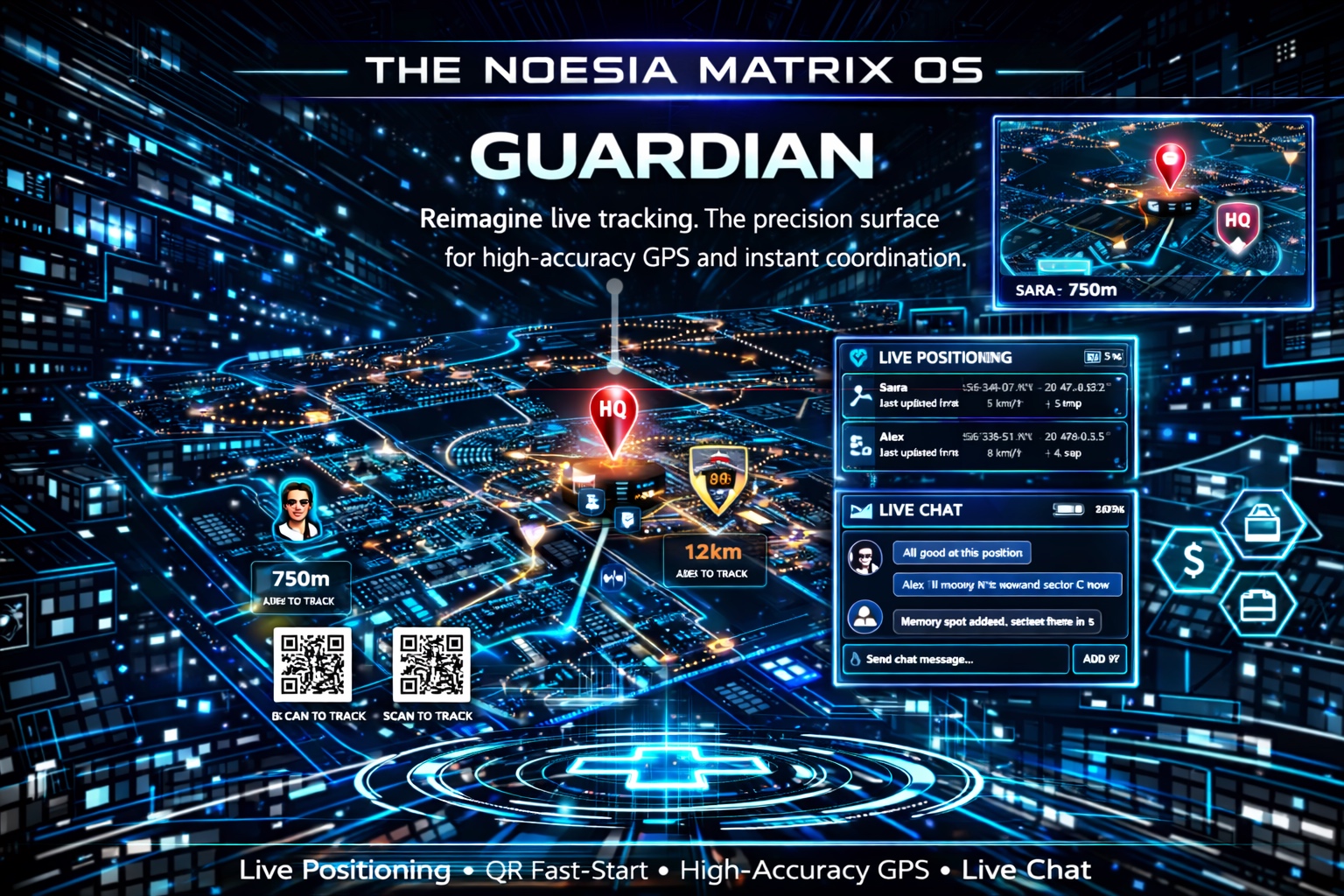
Guardian is the precision tracking and live coordination surface of Noesia Smart Waiter. It combines QR-activated tracking sessions, high-accuracy map positioning, admin-to-client chat, controlled live location visibility, parking and memory spot markers, and monitored movement awareness in one fast, high-tech module built for real-world safety, field execution, family reassurance, and responsible operational oversight.
Useful when an organization needs to track staff movement responsibly, supervise field execution, coordinate delivery or service teams, and maintain direct communication with the person currently in motion.
Useful when parents want a simple, scan-driven, high-tech way to monitor movement visibility, confirm safe arrival, and stay in touch without forcing a complex setup flow.
Useful when one person wants to drop a live spot, remember where the car is parked, mark a return point, or save an exact place that must be reached again later with confidence.
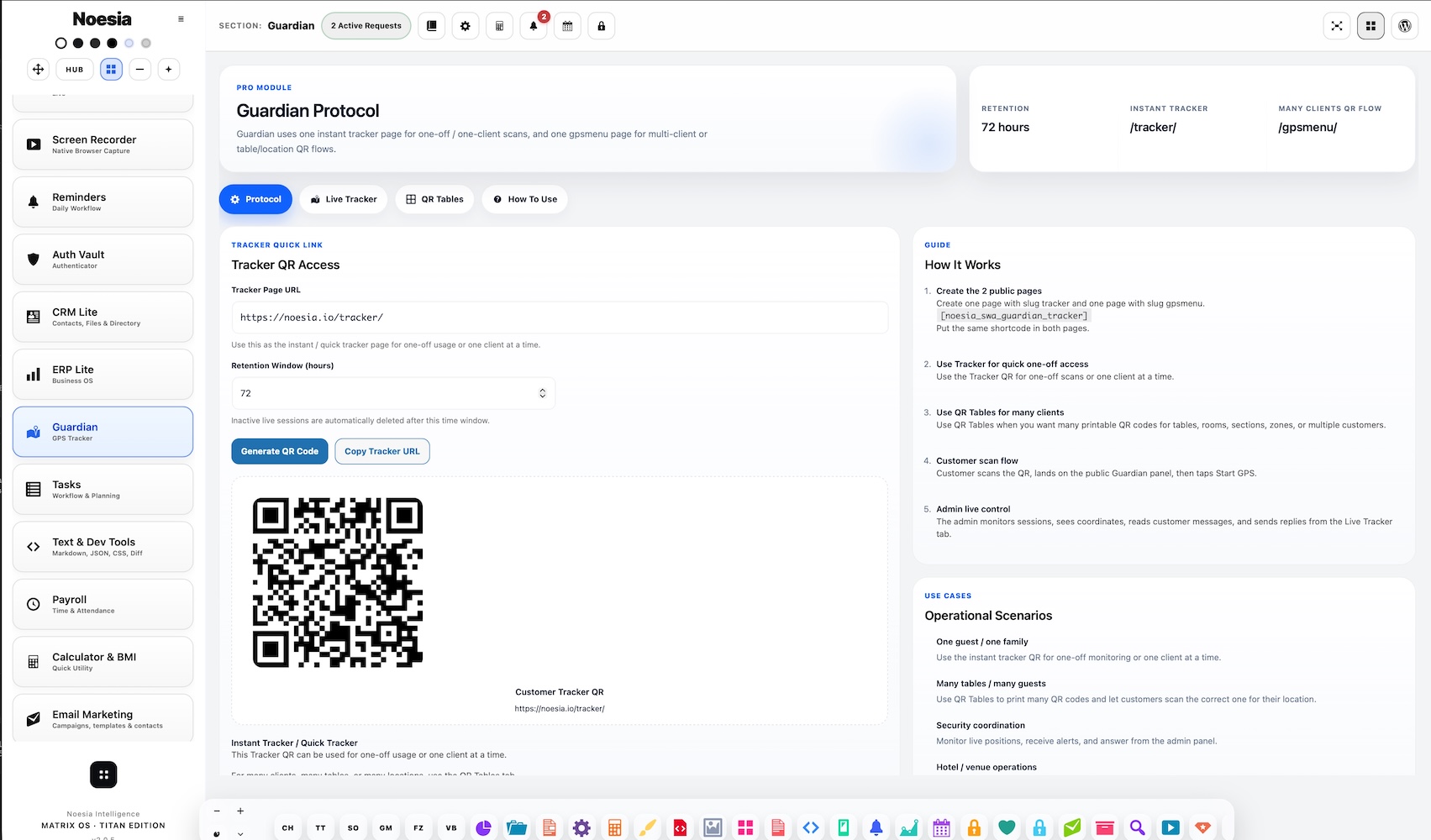
Admin path: open the Noesia Smart Waiter admin shell and select Guardian from the module navigation.
Tier: Guardian belongs to the Pro layer.
Client activation path: a user can enter the live session flow through a simple QR scan, making the experience immediate enough for real operational use instead of only technical demos.
Before going live, define whether Guardian is being used for staff operations, family reassurance, guarded delivery, or personal navigation memory. Responsible use starts with a clear purpose.
Make sure the QR surface points to the intended live entry route so the client can activate tracking instantly with a simple scan and without friction.
Guardian depends on real browser, GPS, and permission conditions. Always test with the actual devices and environments you plan to use in production.
The admin should know how to watch movement, communicate through the built-in conversation flow, and use memory spots or return markers in a reliable way.
The administrator enters Guardian and prepares the monitoring surface before the client or tracked person activates the live session.
A simple scan starts the client-side flow, reducing friction and making the product feel immediate and practical.
The user allows location access so Guardian can deliver precision-focused live positioning and session visibility.
The administrator can track the movement, communicate directly with the user, and use location spots for returns, parking, meeting points, or safety checkpoints.
Once the task, route, or reassurance goal is complete, the operator can close the live interaction or continue only as long as the real use case requires.
This is the main operational screen where the live location becomes meaningful. It is the visual core of Guardian and the place where high-tech precision turns into practical decision support.
This is where the simple scan-driven activation begins. The lower the friction here, the faster the module becomes useful in real life.
The client side handles permission, tracking start, location updates, and communication readiness after activation.
This is where the administrator can send or read chat-style updates and stay in contact with the person who activated the session.
This area supports memory points such as a parked car, a pickup point, a delivery checkpoint, or a place that must be revisited accurately.
Guardian is most useful when the operator can immediately see whether tracking is active, waiting, paused, or disconnected, without guessing.
An employer or operations lead can activate a live session for a worker in motion, follow the route, confirm the real position, and use direct chat to coordinate the next step without leaving the module.
A parent can use Guardian as a lightweight reassurance tool when a child needs to be visible during a journey, arrival, or return flow and communication needs to stay immediate.
A user can save an exact spot, leave the area, and return later without uncertainty. This small practical use case becomes surprisingly valuable in daily life and travel.
A client scans, tracking activates, and the admin can immediately monitor position and exchange messages. The speed of that flow is one of the module’s strongest practical advantages.
Guardian is useful when an organization needs live location confidence around a sensitive route, a valuable delivery, a pickup point, or a movement that should stay visible and well coordinated.
Issue: the session loads but the map does not move as expected.
Why it happens: location permission may be blocked, the device may not have a strong enough signal, or the browser may not be providing high-accuracy updates cleanly.
What to do: confirm permissions first, test outdoors if needed, and retest on the intended production device before assuming Guardian failed.
Issue: the user enters the flow but the live session does not fully activate.
Why it happens: permission was denied, the session route is incomplete, or the user stopped before granting access.
What to do: re-open the flow, request permissions again, and confirm that the QR target is the correct live entry point.
Issue: the operator expected a more precise location.
Why it happens: precision depends on real-world signal conditions, device hardware, browser quality, and whether the device can use high-accuracy location cleanly.
What to do: keep high-accuracy mode enabled, move to a stronger signal environment, and test with the intended device class. Guardian is built for precision, but devices still matter.
Issue: the communication flow exists but does not feel instant enough.
Why it happens: network conditions, stale browser state, or a partial session refresh may affect real-time feel.
What to do: refresh the session on both ends and confirm both devices still have active connectivity.
Issue: the user expected a parking or memory point to be clearer.
Why it happens: the spot may not have been saved at the intended moment, or the user may have marked the wrong place while the device location was still stabilizing.
What to do: wait a moment for the location to settle, then save the spot again under cleaner signal conditions.
Issue: Guardian behavior differs between devices.
Why it happens: GPS precision, permissions, browser rules, and hardware quality differ significantly between devices.
What to do: always validate Guardian on the real device types that the organization or family actually plans to use.
Yes. Guardian belongs to the Pro layer.
Yes. That is one of its strongest practical uses for field teams, guarded movement, and monitored execution.
Yes. Guardian can be used as a lightweight reassurance and visibility tool for family safety scenarios.
Yes. Guardian is useful not only for live tracking, but also for saving exact places that should be found again later.
No. One of the core ideas is ease: a simple QR scan can activate the experience quickly.
Yes. Guardian includes a live conversation layer so tracking and communication stay together.
Yes. The intended design philosophy is controlled access, explicit activation, and responsible handling of live visibility.
Yes. Guardian is built around high-accuracy, precision-focused live positioning as a core value.
No. Guardian aims for maximum practical precision, but real device quality, permissions, and signal conditions still matter.
Yes. Parking memory, return points, and exact place recall are practical daily uses.
Yes. Ease of activation is one of the strongest parts of the module.
No. It is useful for businesses, parents, personal navigation, hospitality operations, and many live coordination scenarios.
The Noesia Matrix is the shared architecture language and module fabric behind Noesia Smart Waiter. This module is not just a static page; it sits inside an isolate-first modular system designed for shell-driven navigation, clean section ownership, extensible widget zones, and future-safe expansion.
The architecture direction is intentionally high-control: modular ownership, isolated assets, lazy-ready behavior, clean settings flow, predictable prefixes, maintainable service boundaries, enterprise-safe discipline around structure, security, and extensibility. Noesia transcends the definition of a standard WordPress plugin, operating as a robust platform built upon enterprise-grade Service-Oriented Design.
Here is how the core engine is designed to minimize bloat, maximize stability, and keep the experience consistently fast and responsive:
Event-Driven Inversion of Control (IoC): The platform follows an IoC pattern via a decoupled Event Bus. The central core acts as a “Logic-Less Host” (Blind / DUMMY Kernel). It does not tightly bind itself to module internals; modules announce their own presence, capabilities, and state through controlled registration flows.
The Micro-Frontend Paradigm (MFE): The UI is not a giant monolithic block. Each application behaves as an independent Micro-Frontend with its own dynamic assets, specialized logic, and UI contracts.
Strict Asset Isolation & Lazy-Loading: Resource usage stays disciplined. A module’s CSS, JavaScript, and data components are loaded only when the user reaches or interacts with that specific application surface.
Decoupled Registry Pattern: The dynamic discovery layer allows applications to be added or removed quickly without rewriting core logic. If one application encounters an issue, the architecture is designed to contain that impact instead of cascading it across the platform.
Enterprise-Grade Security & Stability: The platform is reinforced with strict input sanitization, dynamic registry routing, and defensive safety gates across the stack. The data layer and the user interface remain deliberately separated for maintainability and risk control.
The Result: A scalable hospitality and clinical operating system engineered to manage mission-critical workflows securely — from intimate cafés to high-traffic venues and sensitive medical environments.
When you open a ticket, include one clean screenshot, the exact visible wrong state, short reproduction steps, and the device or browser involved. That reduces back-and-forth and speeds up precise resolution.
Open SupportEnter the application layer: Explore the full Noesia Smart Waiter ecosystem and discover how each isolated module helps serve hospitality, operations, business workflows, and the wider mission to reimagine life through smarter software.
Scroll into the Matrix: The catalog below is the live gateway to the platform. Move through Free and Pro environments, open each documentation page, and step directly into the next application surface.