noesia

Noesia Smart Waiter / Module Documentation
Pro Event-Driven IoC Isolated/X-Core Micro-Frontend Clinical Record Workspace

CLINICAL WORKSPACE

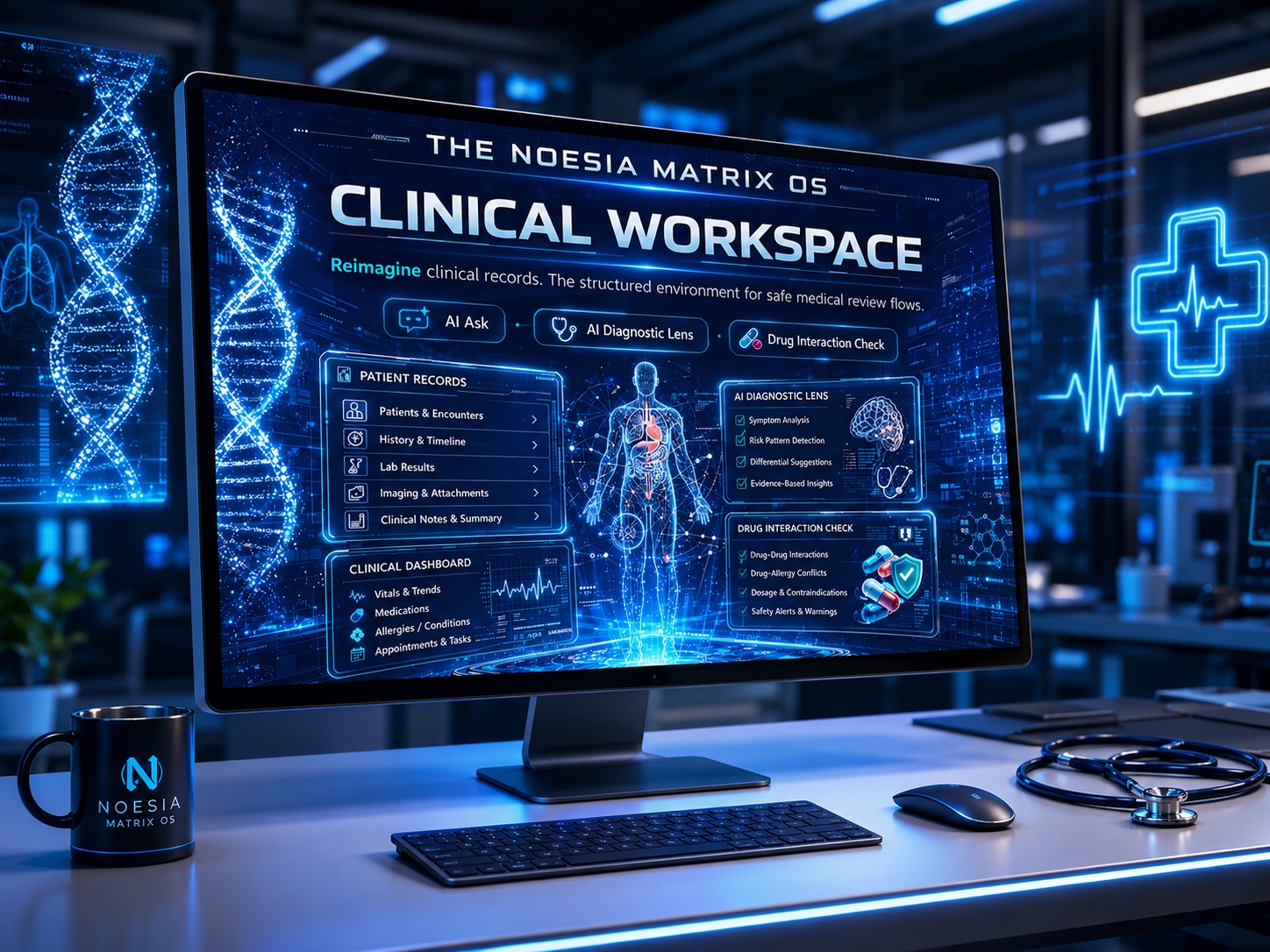
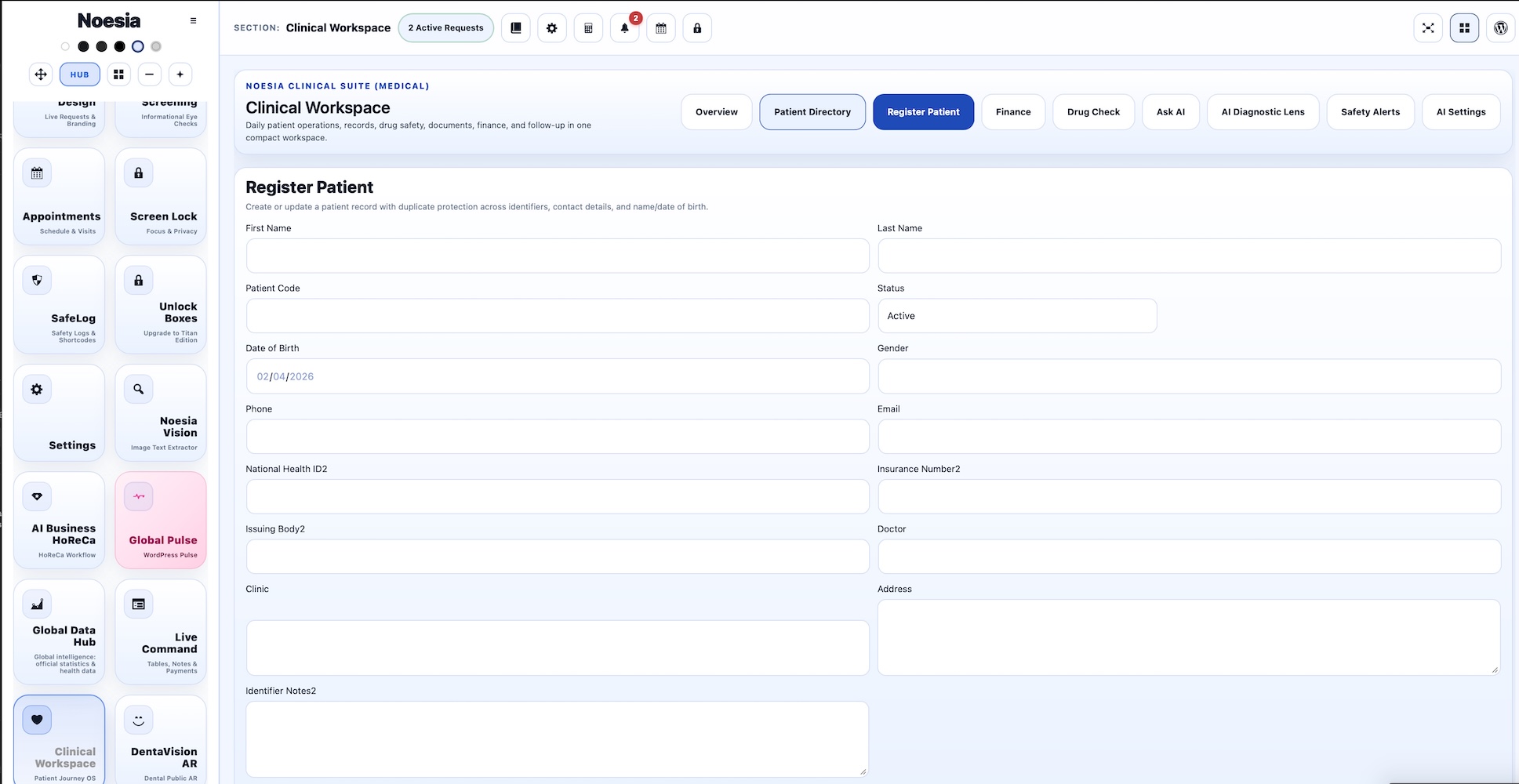
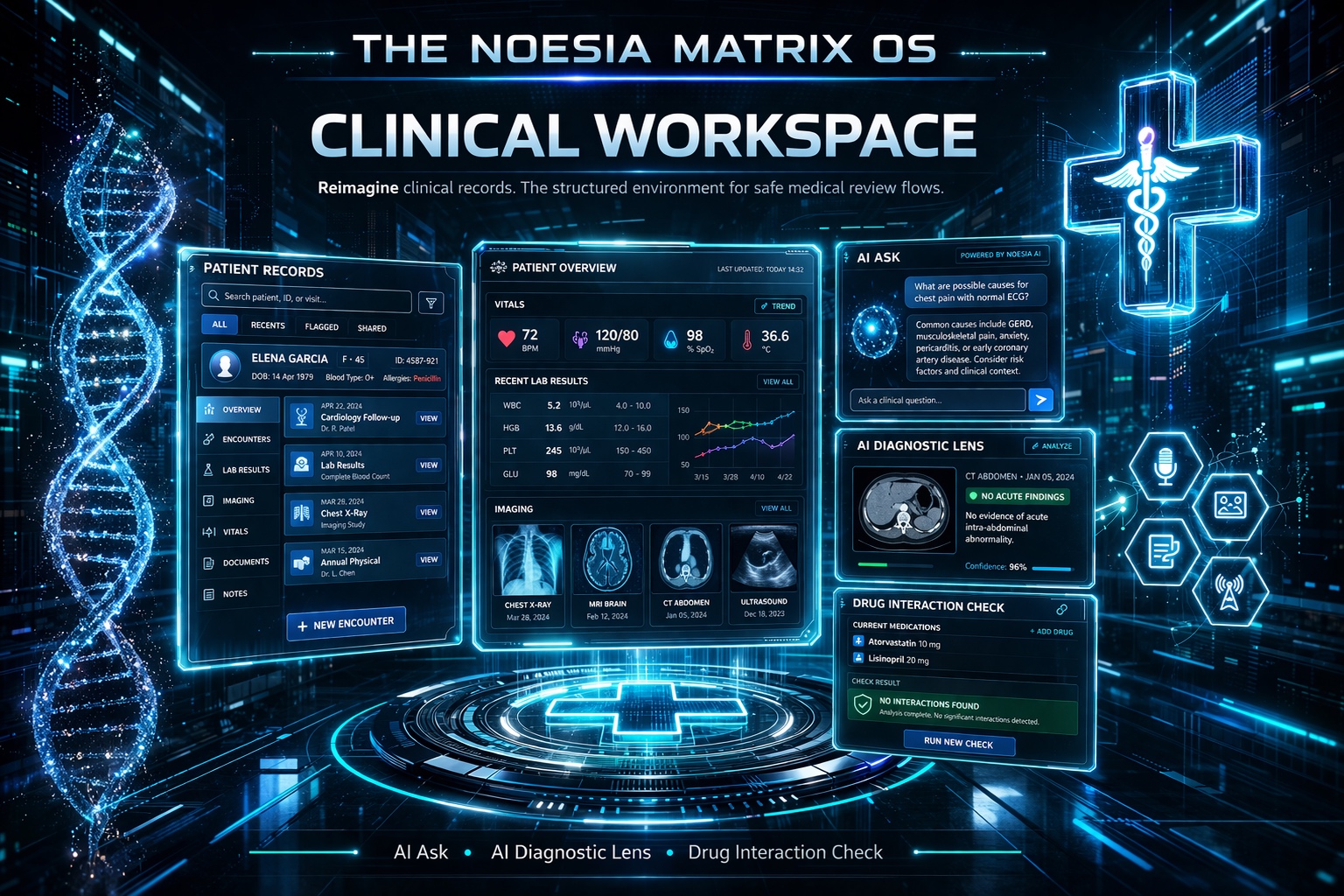
Clinical Workspace is the structured medical record and review environment of Noesia Smart Waiter. It is designed to help doctors, clinics, and healthcare teams keep patient information organized, visible, and easier to review across daily work: notes, medications, allergies, follow-up planning, clinical observations, and record continuity all stay in one controlled workspace. The purpose is not to replace clinical judgment, but to strengthen the doctor’s daily organization, reduce friction, support clearer review flow, and make important patient information easier to access when time, focus, and safe documentation matter most.

Primary role Structured patient record and clinical review support
Key live areas Notes, medications, allergies, follow-ups, safe review flow
Best for Doctors, clinics, multidisciplinary medical teams
Who is it for

Built for doctors and clinics that need patient information organized, visible, and clinically useful every day

Doctors who need clarity under daily pressure

Useful for physicians who move constantly between patients, notes, medication review, allergies, follow-ups, and evolving clinical context. The module helps reduce friction in daily organization so more attention can stay on the patient instead of on scattered record hunting.

Clinics that need better record continuity

Useful for practices that want a more structured patient workspace where essential information stays easier to review across visits: observations, history, medication awareness, allergy visibility, and planned follow-up actions.

Medical teams that value safer information flow

Useful for environments where organization, readable documentation, and fast access to important clinical information improve coordination, reduce confusion, and support more confident preparation before consultation or follow-up care.

Main Features

What Clinical Workspace actually delivers for doctors and care teams

Structured patient notes

  • Clear note organization for daily patient review.
  • More readable follow-up context across repeated visits.
  • Useful for building continuity instead of relying on fragmented memory.

Medication visibility

  • Medication information stays easier to review inside the patient workspace.
  • Helps doctors prepare faster before consultation and follow-up review.
  • Supports cleaner information handling when treatment context matters.

Allergy awareness

  • Allergy information can remain visible and easier to verify.
  • Useful when doctors want important patient alerts near the record flow.
  • Supports safer review readiness without replacing professional responsibility.

Follow-up planning

  • Follow-up actions stay connected to the record instead of living in loose notes.
  • Useful for continuity of care, revisit planning, and reminder-oriented organization.
  • Helps clinics keep the next step visible, not forgotten.

Clinical review support

  • Patient history, notes, medication context, and follow-up items can be reviewed in one workspace.
  • Useful for better preparation before the doctor writes or updates a clinical opinion.
  • Supports informed review flow without claiming to replace medical expertise.

Daily organization for doctors

  • Less time lost switching between scattered record fragments.
  • More orderly patient information handling in busy clinic reality.
  • Useful for stronger consistency in the doctor’s everyday workflow.

Support for clearer medical information

  • The workspace keeps essential patient information easier to surface and review.
  • Useful for stronger information readiness before consultation, reassessment, and follow-up communication.
  • Designed to assist clarity, not to automate clinical decision-making.

Professional-grade medical workspace

  • Built as a Pro surface because clinical environments need stronger discipline and structure.
  • Useful for healthcare professionals who want a controlled workspace instead of casual note storage.
  • Aligned with the wider Noesia direction of safe, structured, maintainable environments.
Noesia Clinical Core
CLINICAL_INTELLIGENCE: ACTIVE
DIAGNOSTIC_ACCURACY: 99.9%
How to Access It

Where Clinical Workspace lives in the platform

Admin path: open the Noesia Smart Waiter admin shell and select Clinical Workspace from the module navigation.

Tier: this module belongs to the Pro layer.

Practical role: the module is intended to serve doctors and clinical staff who need structured patient information, safer record visibility, and stronger follow-up organization in one professional workspace.

Setup / Configuration

Recommended setup before doctors begin using Clinical Workspace in daily practice

01

Define your patient record language

Before entering real patient data, decide how your clinic will write observations, notes, medication references, and follow-up wording so the workspace stays medically readable and internally consistent.

02

Keep critical information fields consistent

Use stable habits for allergies, medication review, summary notes, and next-step planning. The more consistent the structure, the more useful the workspace becomes for daily consultation and later review.

03

Decide who updates what

In clinics with multiple users, agree on responsibility boundaries for note updates, medication changes, and follow-up planning so the record remains trustworthy and easier to audit internally.

04

Use the module as a clinical support surface

The strongest setup mindset is simple: the module should support organization, readability, continuity, and information access, while the doctor remains fully responsible for interpretation, judgment, and final clinical decisions.

How to Use It

Typical daily flow for doctors and clinics

Step 1

Open the patient workspace before consultation

Use the record as a pre-consultation preparation surface so important information is reviewed before the doctor enters the active examination or follow-up conversation.

Step 2

Review notes, medications, and allergies

Bring together the patient’s clinical context in one place. This supports clearer orientation and lowers the chance of losing time in fragmented record searching.

Step 3

Update the record after assessment

Add the new clinical note, update what changed, and preserve continuity so the next doctor or the next visit starts from a stronger information base.

Step 4

Document the follow-up plan

Make the next step visible and specific. This supports organization, patient continuity, and daily clinic coordination instead of leaving the plan in loose memory.

Step 5

Use the workspace for safer revisit preparation

At future visits, reopen the same record to regain context faster, reduce repeated information loss, and support more informed clinical review before writing or refining the next opinion.

Screens / Interface Guide

The interface areas that matter most in Clinical Workspace

Patient summary area

This is where the doctor can quickly regain context. It matters because patient review is stronger when the important facts are easier to see at the beginning of the workflow.

Clinical notes area

The note surface is central to daily practice. It supports continuity, consultation memory, and the doctor’s ability to revisit the patient record with less guesswork and less scattered searching.

Medication visibility area

This area helps the doctor keep medication information nearer to the actual clinical record, which supports more informed preparation and cleaner review flow.

Allergy alert area

Allergy information should remain visible and readable, because high-value patient safety context should not be buried in forgotten note fragments.

Follow-up and next-step planning area

The follow-up section helps convert consultation outcome into a visible next action. That matters for continuity of care and for better day-to-day clinic organization.

Record review flow

The overall workspace is designed to help doctors move through information more clearly, from existing context to new note, then to next step, without turning the clinical workflow into a cluttered admin burden.

Common Workflows

Real examples of how doctors and clinics use Clinical Workspace

Prepare faster before seeing the patient

Open the record before consultation, review the patient note trail, confirm medication and allergy context, and enter the visit already informed instead of rebuilding the case from memory.

Keep follow-up planning connected to the record

After consultation, document the next action in the same workspace so the patient plan remains visible, structured, and easier to revisit during the next appointment or internal review.

Support clearer record continuity across repeated visits

Use the record as a continuity tool. The doctor can return to a patient’s prior observations, treatment context, medication visibility, and planned next steps without losing time in fragmented notes.

Improve daily medical organization

Clinical Workspace helps turn scattered information into a readable structure. This supports everyday clinic discipline, especially when the workload is high and many patients are handled in sequence.

Support better informed medical review

The module helps the doctor approach review and opinion-writing with more visible patient context. It supports preparation and information clarity, while final judgment still belongs entirely to the clinician.

Troubleshooting

Common problems, likely causes, and the first fix path

The Clinical Workspace tab is not visible

Issue: the module does not appear in the shell.

Why it happens: the current account may not have the right level of access, or the Pro layer is not active in the current build.

What to do: test with the correct admin-capable account and verify that the Pro module layer is available in the current installation.

The record feels incomplete or too generic

Issue: the workspace opens, but the patient context is not useful enough yet.

Why it happens: the module is only as useful as the quality and consistency of the clinical information entered into it.

What to do: standardize how your team writes notes, follow-up plans, allergies, and medication visibility so the workspace becomes genuinely useful over time.

Doctors are still using scattered notes outside the module

Issue: the clinic still loses continuity even though the workspace exists.

Why it happens: internal habits have not been aligned yet, so part of the patient story still lives outside the structured record.

What to do: define a clinic rule for what must always be documented in the workspace and what wording standards should be followed.

Medication or allergy information is hard to trust

Issue: the information exists, but the doctor is not confident that it is current.

Why it happens: record updating may be inconsistent or there may be no clear ownership for maintaining sensitive patient information.

What to do: assign responsibility for keeping those critical fields current and make update discipline part of the clinic workflow.

The module is useful, but should not be mistaken for automatic diagnosis

Issue: users expect the workspace itself to decide medical conclusions.

Why it happens: structured clinical software can look powerful, but organization support is not the same thing as independent medical judgment.

What to do: use the module as a support system for information, continuity, and review readiness. Final interpretation and diagnosis always remain with the doctor.

The documentation page looks wrong after Elementor embedding

Issue: spacing or visuals look broken after the snippet is embedded.

Why it happens: outside site CSS may override the wrapper or broad selectors may have been added around the page.

What to do: keep the snippet inside the noesia-swa-matrix wrapper and avoid generic selectors that override the namespaced layout.

FAQ

Fast answers before opening support

Is Clinical Workspace a Pro module?

Yes. Clinical Workspace belongs to the Pro layer.

Who is it built for?

Doctors, clinics, and medical teams that need stronger patient record organization and clearer clinical review flow.

Does it help with patient notes?

Yes. Structured note handling is one of the core practical values of the module.

Can it keep medications visible?

Yes. Medication visibility is part of the workspace so the doctor can review context more clearly.

Does it support allergy awareness?

Yes. Allergy information is treated as important patient context that should remain easy to review.

Can it help with follow-up planning?

Yes. Follow-up and next-step organization are part of the practical daily value of the module.

Does it replace medical judgment?

No. It supports information clarity and organization, but diagnosis and clinical interpretation always remain the doctor’s responsibility.

Is it useful for everyday clinic organization?

Yes. That is one of its main strengths: reducing friction in the daily handling of patient information.

Can it support better informed review?

Yes. It helps make patient context easier to access before review, reassessment, and follow-up work.

Is it suitable only for one medical specialty?

No. The structured record logic is useful across many doctor-led and clinic-led workflows.

Does the value depend on data quality?

Yes. The module becomes more clinically useful when the team enters information consistently and keeps critical fields current.

Can it make clinic work feel more organized?

Yes. That is one of the practical reasons this module exists: stronger structure, less fragmentation, and clearer day-to-day record flow.

The Noesia Matrix

⚙️ THE NOESIA MATRIX: KERNEL FABRIC ARCHITECTURE

The Noesia Matrix is the shared architecture language and module fabric behind Noesia Smart Waiter. This module is not just a static page; it sits inside an isolate-first modular system designed for shell-driven navigation, clean section ownership, extensible widget zones, and future-safe expansion.

The architecture direction is intentionally high-control: modular ownership, isolated assets, lazy-ready behavior, clean settings flow, predictable prefixes, maintainable service boundaries, and enterprise-safe discipline around structure, security, and extensibility. Noesia transcends the definition of a standard WordPress plugin, operating as a robust platform built upon enterprise-grade Service-Oriented Design.

Here is how the core engine is designed to minimize bloat, maximize stability, and keep the experience consistently fast and responsive:

Event-Driven Inversion of Control (IoC): The platform follows an IoC pattern via a decoupled Event Bus. The central core acts as a “Logic-Less Host” (Blind / DUMMY Kernel). It does not tightly bind itself to module internals; modules announce their own presence, capabilities, and state through controlled registration flows.

The Micro-Frontend Paradigm (MFE): The UI is not a giant monolithic block. Each application behaves as an independent Micro-Frontend with its own dynamic assets, specialized logic, and UI contracts.

Strict Asset Isolation & Lazy-Loading: Resource usage stays disciplined. A module’s CSS, JavaScript, and data components are loaded only when the user reaches or interacts with that specific application surface.

Decoupled Registry Pattern: The dynamic discovery layer allows applications to be added or removed quickly without rewriting core logic. If one application encounters an issue, the architecture is designed to contain that impact instead of cascading it across the platform.

Enterprise-Grade Security & Stability: The platform is reinforced with strict input sanitization, dynamic registry routing, and defensive safety gates across the stack. The data layer and the user interface remain deliberately separated for maintainability and risk control.

The Result: A scalable hospitality and clinical operating system engineered to manage mission-critical workflows securely — from intimate cafés to high-traffic venues and sensitive medical environments.

Support

Support, escalation, and what to send first

Check first

  • Confirm the plugin version.
  • Confirm the module name is Clinical Workspace.
  • Check whether the issue is about visibility, organization flow, or record structure.
  • Review the troubleshooting section above first.

Collect before opening a ticket

  • One clear screenshot of the issue.
  • The exact visible error text or wrong behavior.
  • Short steps to reproduce.
  • Whether the issue is constant or intermittent.

Open support only after the fast checks above

When you open a ticket, include one clean screenshot, the exact visible error text or wrong result state, short reproduction steps, and whether the problem is constant or intermittent. That reduces back-and-forth and speeds up resolution.

Open Support
Explore Modules

Explore all modules of Noesia Smart Waiter

Enter the application layer: Explore the full Noesia Smart Waiter ecosystem and discover how each isolated module helps serve hospitality, operations, business workflows, and the wider mission to reimagine life through smarter software.

Scroll into the Matrix: The catalog below is the live gateway to the platform. Move through Free and Pro environments, open each documentation page, and step directly into the next application surface.

The Noesia Matrix · Applications Layer

Explore TheMatrix Ecosystem

The Micro-Frontend Catalog: Every application listed below operates as its own isolated environment. Search, filter, and discover the tools that expand daily operations without turning the platform into a bloated monolith.

Seamless Navigation: The Free layer covers essential operational foundations, while the Pro environments unlock advanced, enterprise-grade workflows. Select any module to open its dedicated documentation page and setup path.

Total Modules 34 Current mapped layer from the uploaded snapshot, with additional modules already planned for the next release window.
Free Layer 17 Green-tag modules ready for the open layer of the platform.
Pro Layer 17 Purple-tag modules mapped to the premium operational surface.
No modules matched the current filter or search query. Clear the search or switch filters to reveal more applications.

Built for real operations: every module in the Matrix is designed around self-hosted control, isolated loading, fast response surfaces, security-first structure, and a support-ready documentation flow built to scale with modern businesses.

Documentation Hub