Small and mid-size businesses
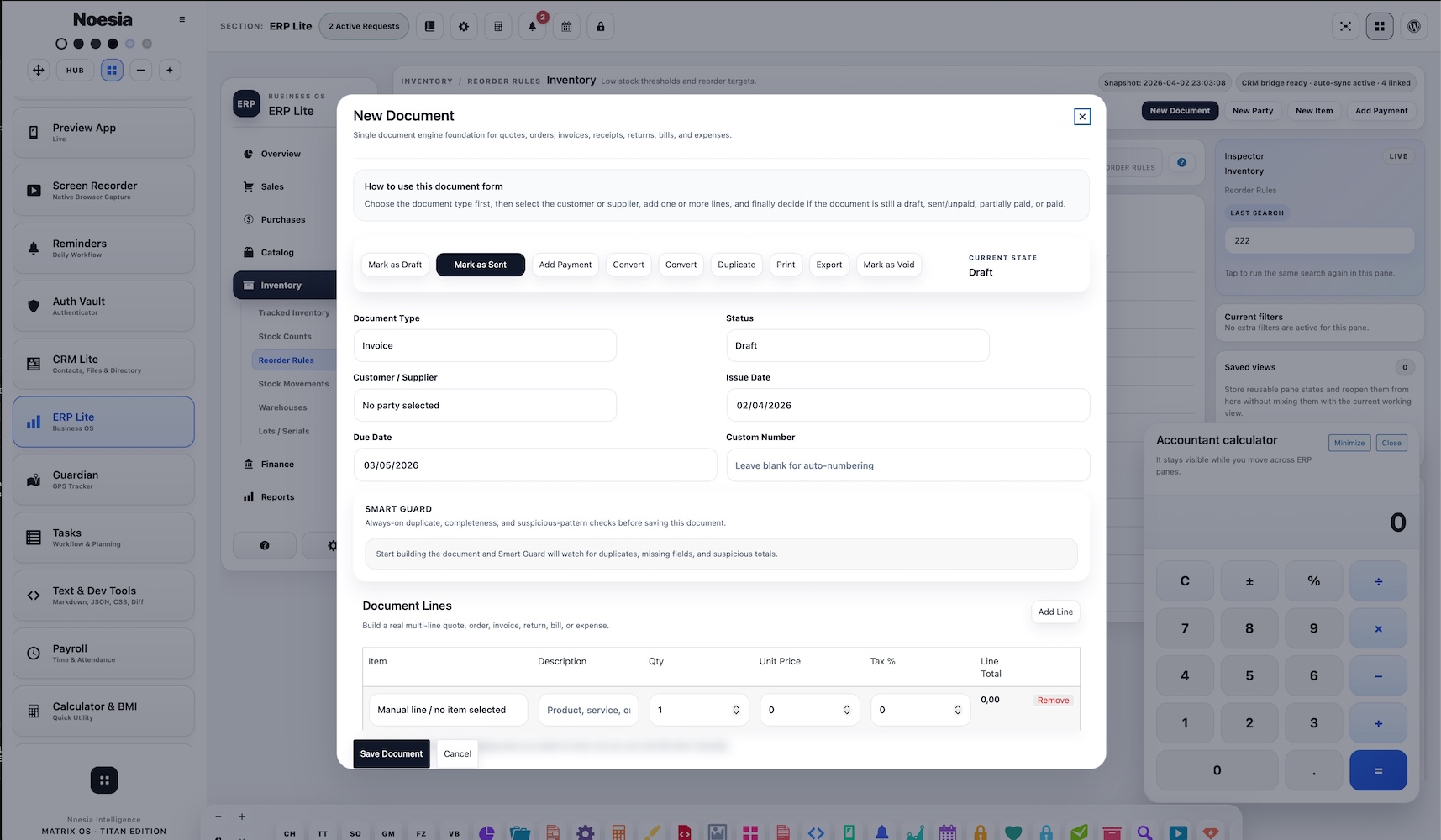
Useful for businesses that need quotations, orders, invoices, receipts, returns, bills, expenses, item control, and party records in one practical surface without enterprise bloat.

ERP Lite is the commercial operations workspace of Noesia Smart Waiter. It helps businesses manage parties, items, categories, documents, attachments, payment tracking, and day-to-day operational flow inside one structured environment. It is designed to stay practical, readable, and fast, while working in direct continuity with CRM Lite and Calculator.
Compliance Notice: ERP Lite is an operational business management framework. It is not, by itself, a certified fiscal, tax, invoicing, legal, or statutory compliance solution for any specific jurisdiction. All document formats, exports, invoice workflows, payment records, fiscal integrations, and reporting obligations must be reviewed and validated according to local law and the company’s actual implementation. Final responsibility for legal, fiscal, accounting, and regulatory compliance remains with the business owner and the company’s accountant, legal advisor, implementation partner, or technical integrator.
Useful for businesses that need quotations, orders, invoices, receipts, returns, bills, expenses, item control, and party records in one practical surface without enterprise bloat.
Useful when the team wants a system that stays light, readable, and actionable instead of drowning staff in endless parameters that create confusion rather than operational value.
Useful when customer and company records need continuity between relationship tracking and commercial document flow, especially where tags, notes, statuses, and party data should remain connected.
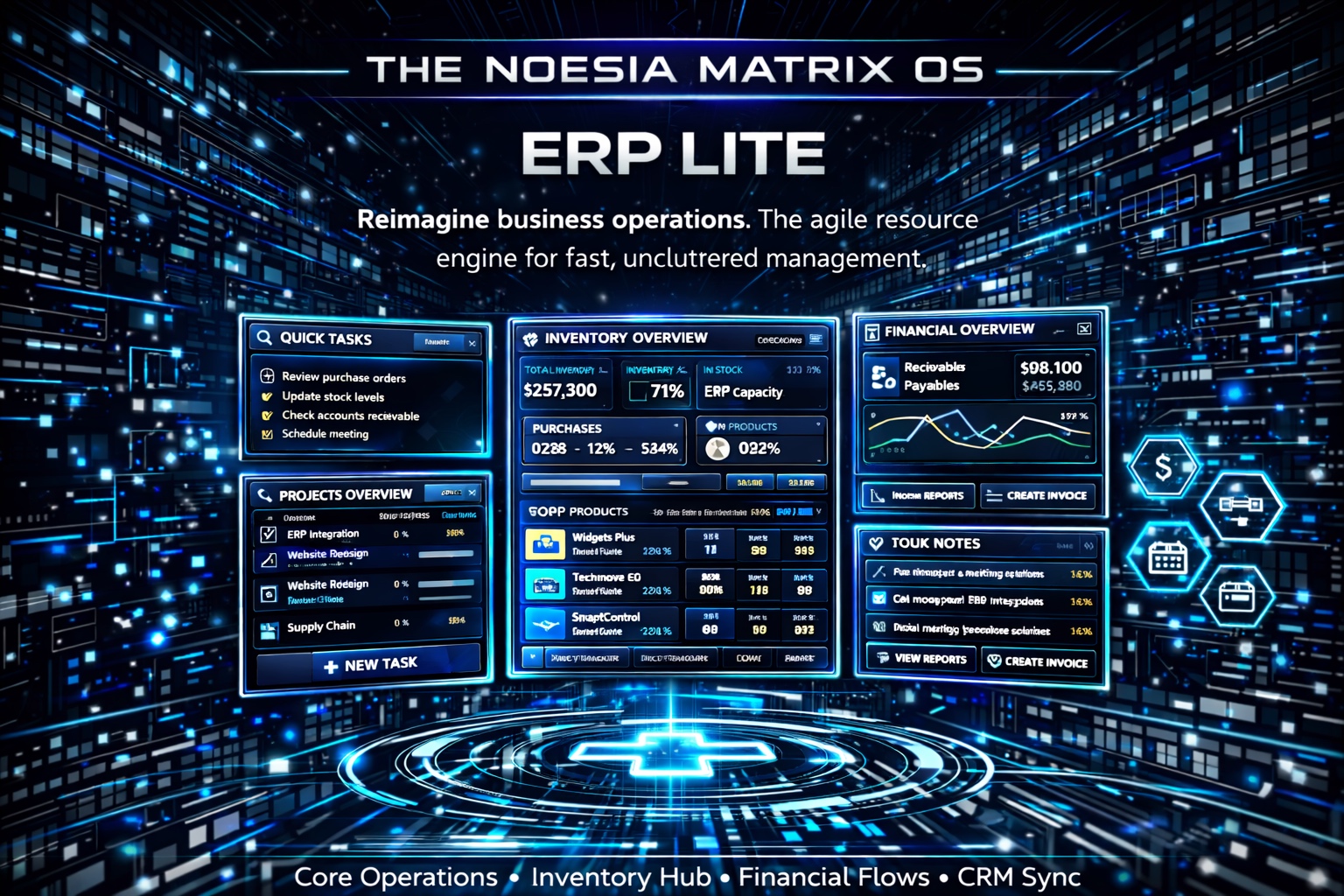
Structured overview of the uploaded ERP module capabilities, grouped into Core ERP Areas and rendered as a live matrix table for fast scanning.
Admin path: open the Noesia Smart Waiter admin shell and select ERP Lite from the application navigation.
Tier: this module belongs to the Pro layer.
Operational role: ERP Lite is intended to act as the commercial execution layer for parties, catalog structure, documents, and related business movement, with continuity toward CRM Lite and Calculator.
Decide how parties, items, categories, document types, and payment states should be used in the company. ERP Lite is intentionally lighter than heavy enterprise suites, so clear logic matters more than endless parameter screens.
For responsible and stable operation, the setup should be reviewed and configured by the programmer or technical integrator of each company. That includes document flow choices, catalog discipline, field usage, and how CRM Lite and Calculator should connect operationally.
ERP reliability depends heavily on disciplined data entry. Stable category naming, sensible SKU structure, and clear party records make the module faster and safer to use every day.
Before real business usage, test item creation, party selection, document saving, attachment handling, payment recording, and CRM continuity so the company works from a verified baseline instead of assumptions.
Start from the relevant customer, supplier, or company record so the commercial action is connected to the right business identity from the beginning.
Make sure categories, SKU logic, sales pricing, and cost structure are consistent before documents start using the item repeatedly.
Create the right document type for the job, whether that is a quote, order, invoice, receipt, return, bill, or expense entry.
Use the wider platform’s calculation support when commercial values, estimates, quantities, or working numbers need fast confirmation during the document process.
Once the document is created, complete the operational lifecycle with attachments, status movement, and payment logic so the record stays trustworthy over time.
The business identity layer for customers, suppliers, and related commercial records. This is where continuity starts before any document is created.
The product and service structure of the company. Clean categories and sensible item setup are essential for reliable daily ERP use.
This is the working engine of the module. It is where quotes, orders, invoices, receipts, returns, bills, and expenses move from draft intention into real operational output.
Useful for keeping supporting files and contextual material close to the commercial entity they belong to.
These help the operator understand what is new, what is progressing, what is completed, and what still needs action.
Payment handling should remain tied to saved document flow, helping the company avoid loose disconnected actions and keeping financial records more understandable.
Start from the customer or supplier record, select the relevant items, build the correct document type, then save the record so payment and attachment flow can happen from a real commercial base.
Use CRM Lite for relationship context, notes, and business history, then continue into ERP Lite when the relationship needs to become a structured commercial action.
When staff need fast numeric confirmation during document work, Calculator helps support the operator without forcing them to leave the overall workflow mindset.
ERP Lite performs best when the company uses responsible setup, clean naming, stable document logic, and disciplined input instead of turning the module into a maze of over-parameterized behavior.
Each company should have its own technical owner or programmer validate the setup choices. That keeps the installation aligned with real business process and supports reliable long-term use.
Issue: the data exists, but the commercial layer feels messy or unreliable.
Why it happens: the company started entering data before defining naming logic, category structure, SKU usage, and party discipline.
What to do: review the business logic first, then normalize categories, item naming, and party records before the ERP layer grows further.
Issue: payment entry feels blocked or disconnected from the document flow.
Why it happens: the document may not be saved or opened correctly yet, or the operator is trying to record payment outside the expected commercial lifecycle.
What to do: save or open the document first, then follow the document-aware payment flow instead of treating payment as a separate loose action.
Issue: relationship information and commercial execution are not lining up the way the company expected.
Why it happens: the company workflow may not have been configured clearly at installation stage, or party logic is inconsistent across modules.
What to do: review the CRM-to-ERP business path, normalize the way parties are used, and validate the intended workflow through the company developer or technical integrator.
Issue: the business expects enterprise depth, but the module feels intentionally lighter.
Why it happens: ERP Lite is designed to stay functional and efficient, not to imitate bloated legacy ERP suites with endless configuration panels.
What to do: implement the workflow responsibly, define the real business rules clearly, and use disciplined configuration instead of expecting uncontrolled complexity to create reliability.
Issue: one installation works smoothly while another becomes confusing.
Why it happens: business logic, field discipline, category structure, and document workflow may not have been configured responsibly by the technical owner of that company.
What to do: ensure responsible parameterization by the programmer or technical integrator of the company. That is essential if the installation is expected to support reliable long-term operation within the company’s specific environment and workflow.
Yes. ERP Lite belongs to the Pro tier.
Yes. CRM Lite and ERP Lite are intended to support continuity between relationship context and commercial execution.
Because it is designed to stay practical, lighter, and more readable than bloated ERP suites that bury the user in endless configuration layers.
It is built around a document engine for quotes, orders, invoices, receipts, returns, bills, and expenses.
Yes. ERP Lite includes item and category structure for commercial organization.
Yes. Attachments and status-aware movement are part of the operational model.
Yes. Calculator support is useful when commercial estimates, values, and quick numeric checks need to stay close to document work.
No. The module was designed to remain functional and light, not overloaded with countless confusing parameter screens.
The programmer, implementation partner, or technical integrator of each company is responsible for configuring the installation appropriately to support reliable long-term operation within that company’s specific environment and workflow.
Yes. In fact, the lighter philosophy makes it especially practical for businesses that need structure without enterprise bloat.
No. Clean setup, naming discipline, and responsible company-specific implementation are still essential.
Yes, but it becomes much stronger when used together with CRM Lite and Calculator inside the wider platform workflow.
The Noesia Matrix is the shared architecture language and module fabric behind Noesia Smart Waiter. This module is not just a static page; it sits inside an isolate-first modular system designed for shell-driven navigation, clean section ownership, extensible widget zones, and future-safe expansion.
The architecture direction is intentionally high-control: modular ownership, isolated assets, lazy-ready behavior, clean settings flow, predictable prefixes, maintainable service boundaries, and enterprise-safe discipline around structure, security, and extensibility. Noesia transcends the definition of a standard WordPress plugin, operating as a robust platform built upon enterprise-grade Service-Oriented Design.
Here is how the core engine is designed to minimize bloat, maximize stability, and keep the experience consistently fast and responsive:
Event-Driven Inversion of Control (IoC): The platform follows an IoC pattern via a decoupled Event Bus. The central core acts as a “Logic-Less Host” (Blind / DUMMY Kernel). It does not tightly bind itself to module internals; modules announce their own presence, capabilities, and state through controlled registration flows.
The Micro-Frontend Paradigm (MFE): The UI is not a giant monolithic block. Each application behaves as an independent Micro-Frontend with its own dynamic assets, specialized logic, and UI contracts.
Strict Asset Isolation & Lazy-Loading: Resource usage stays disciplined. A module’s CSS, JavaScript, and data components are loaded only when the user reaches or interacts with that specific application surface.
Decoupled Registry Pattern: The dynamic discovery layer allows applications to be added or removed quickly without rewriting core logic. If one application encounters an issue, the architecture is designed to contain that impact instead of cascading it across the platform.
Enterprise-Grade Security & Stability: The platform is reinforced with strict input sanitization, dynamic registry routing, and defensive safety gates across the stack. The data layer and the user interface remain deliberately separated for maintainability and risk control.
The Result: A scalable hospitality and clinical operating system engineered to manage mission-critical workflows securely — from intimate cafés to high-traffic venues and sensitive medical environments.
When you open a ticket, include one clean screenshot, the exact visible error text or wrong result state, short reproduction steps, and whether the problem is constant or intermittent. If the issue relates to company-specific workflow, also mention how the installation was configured by the company developer or technical integrator.
Open SupportEnter the application layer: Explore the full Noesia Smart Waiter ecosystem and discover how each isolated module helps serve hospitality, operations, business workflows, and the wider mission to reimagine life through smarter software.
Scroll into the Matrix: The catalog below is the live gateway to the platform. Move through Free and Pro environments, open each documentation page, and step directly into the next application surface.