Business owners and founders
Useful for people who want strategic AI help, better business prompts, smarter workflows, and a future-ready intelligence layer without leaving the Noesia ecosystem.

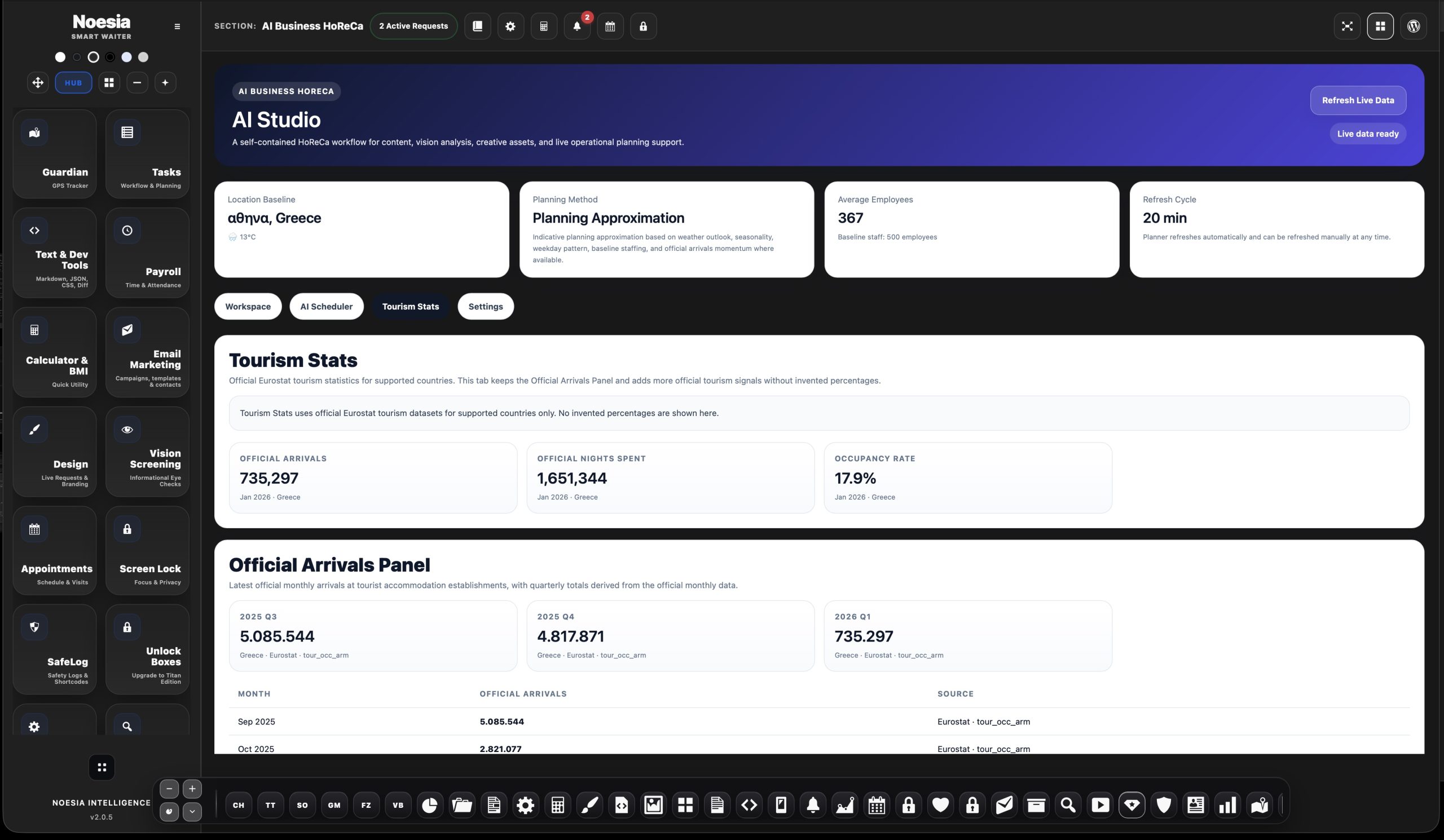
AI Studio is the business AI workspace of Noesia Smart Waiter. It is designed as the central surface for smart business assistance, scheduler paths, AI-ready workflows, future module intelligence, provider / API readiness, and decision-support style utilities. Instead of sounding abstract or overly technical, the purpose is practical: help modern businesses turn AI into something operational, useful, and expandable inside the Noesia ecosystem.
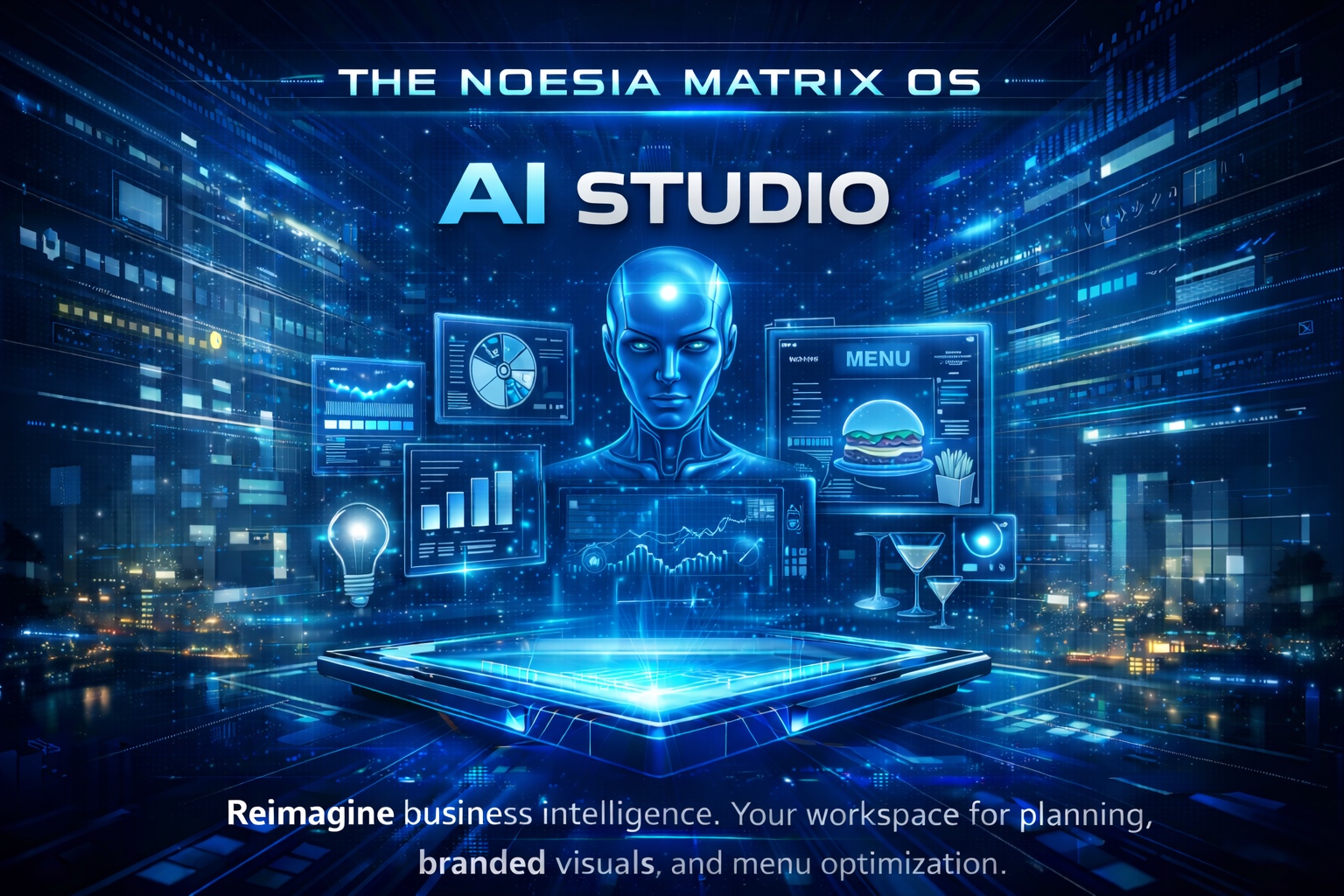
Elevate your hospitality brand. Generate stunning food visuals, smart menu intelligence, and automated guest interactions in one seamless workspace.
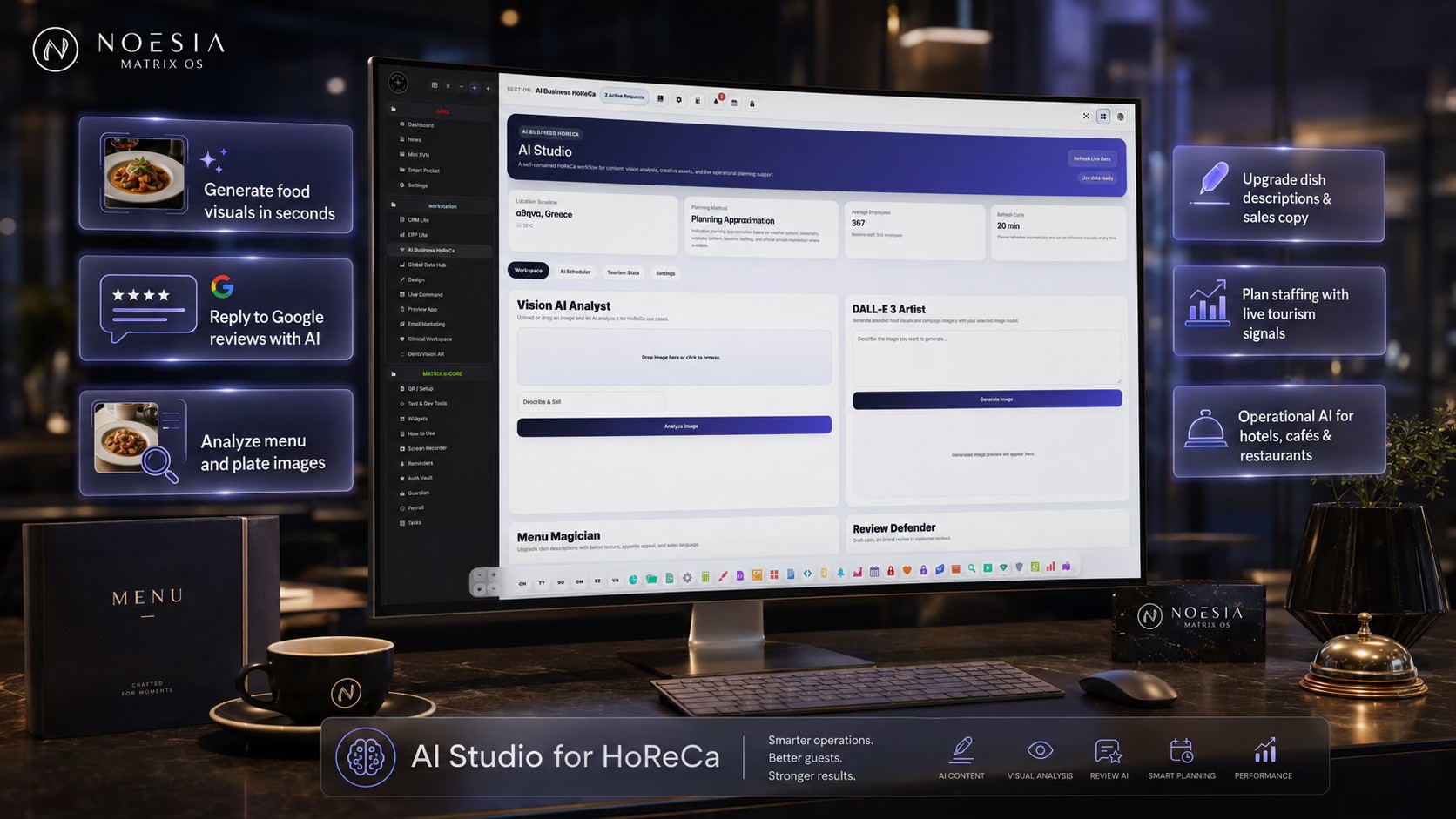
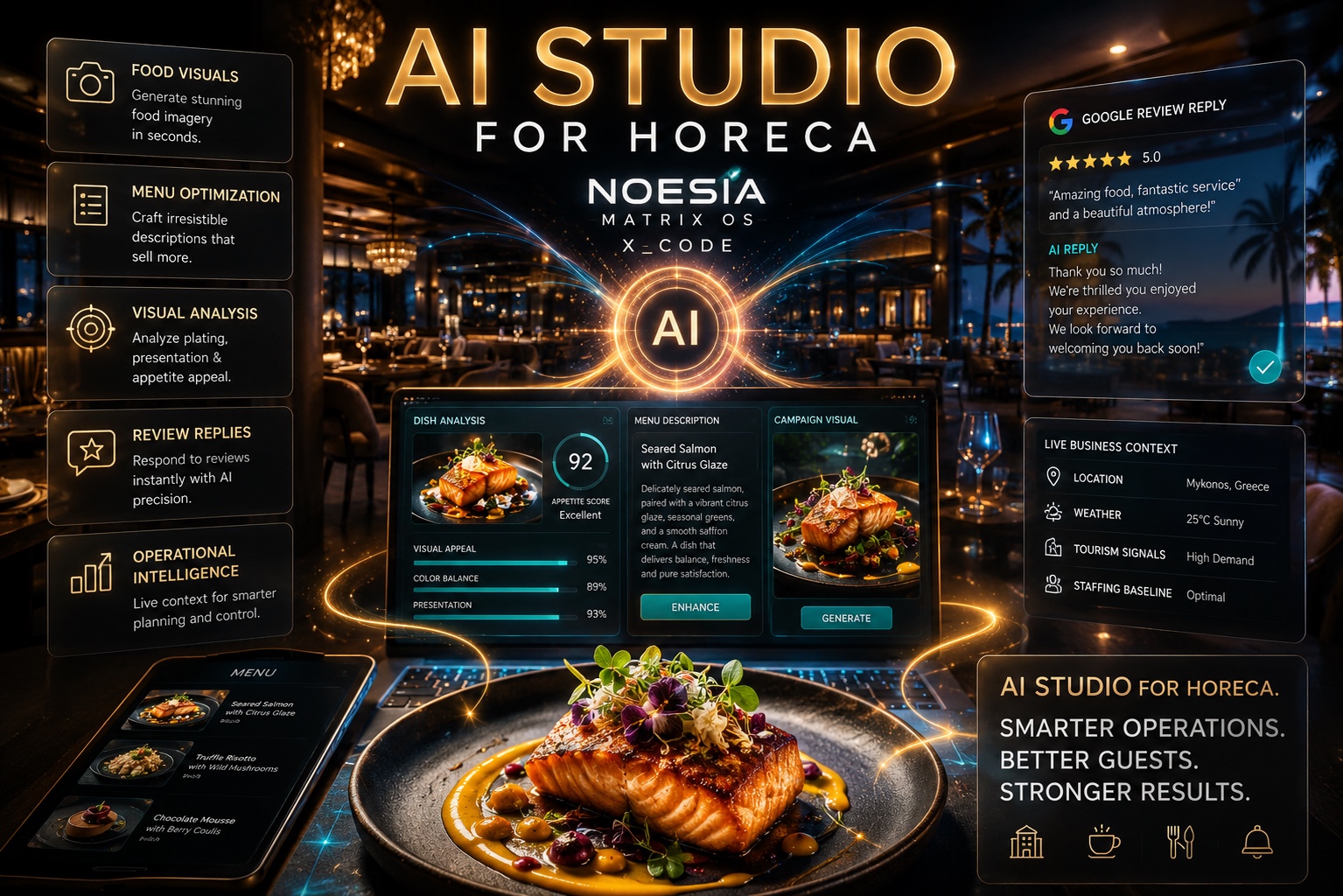
Hotels, cafés and restaurants need an AI workspace that understands real HoReCa problems. Inside Noesia Matrix OS X_Code, AI Studio brings content, visual analysis, branded food imagery, menu optimization, review replies and operational planning into one focused workspace.
This is AI built for the people who run real hospitality businesses every day. For a restaurant, it means better menu communication. For a café, stronger visual storytelling. For a hotel, faster guest-facing content and better operational awareness.
Noesia AI Studio is not here to replace the professional. It is here to give the professional a second brain.
A dish becomes a campaign. A review becomes an opportunity. A menu becomes a sales asset. A daily operation becomes easier to understand.
And this is only one module inside Noesia Matrix OS X_Code — a digital operating system for WordPress built across hospitality, business, clinical, private data, media, productivity and intelligence layers.
Noesia is not building another plugin. Noesia is building the operating environment where real businesses finally get their tools, data, AI and workflows under one roof.
Useful for people who want strategic AI help, better business prompts, smarter workflows, and a future-ready intelligence layer without leaving the Noesia ecosystem.
Useful when the venue or business wants practical AI assistance for planning, scheduling, guidance, decision support, or fast business-oriented productivity tasks.
Useful for people who want to prepare the installation for provider/API integration, AI-enabled modules, and intelligent future expansion points.
Admin path: open the Noesia Smart Waiter admin area and select AI Studio from the plugin shell navigation.
Tier: this module is part of the Pro layer in the mapped ecosystem.
Role expectation: intended for administrators, owners, managers, and future-focused installations that want to make intelligent business tooling part of daily operations.
Decide whether the installation needs AI for planning, guidance, business ideas, scheduler paths, prompt-driven support, or a broader future-ready intelligence layer.
Keep the AI connection path intentional so the business knows what is powering the intelligence layer and what it expects from it.
AI Studio becomes much more useful when the business treats it as part of real operational decision-making rather than just a feature to click once.
Use AI Studio as a clean starting point now, and let future scheduler, automation, and intelligence paths grow around it later.
Enter the module when the business wants an AI-oriented working surface instead of a scattered collection of smart tools.
Use it for business planning, smart suggestions, prompt-style assistance, scheduler logic, or operational decision support.
Keep AI outputs tied to actual business actions, not just inspiration without execution.
Use AI Studio as an accelerator and helper, not as an unquestioned authority over business decisions.
Let AI Studio become the launch point for more advanced intelligence and automation as the business matures.
This is the core area where the business experiences AI as a practical workspace rather than as a disconnected technical concept.
These matter because they turn intelligence into usable small actions that support daily work.
These matter because many businesses need AI help most when organizing time, follow-up, and structured execution.
This area matters because the business should understand that intelligent behavior depends on clean setup and a stable provider path.
These help AI Studio feel like a serious operational surface rather than a generic chatbot corner.
The interface matters because AI Studio can grow into a wider intelligent layer of the platform without breaking the Matrix structure.
Use the module to shape ideas, structure next actions, and accelerate thinking around growth, operations, or service improvements.
Use AI Studio as a practical support surface when organizing next steps, time-sensitive actions, or structured follow-up flows.
Use the module as the clean place where business AI readiness begins before future automation and deeper intelligence paths are added.
Instead of scattering smart features everywhere, use AI Studio as the recognizable hub for intelligent help, guidance, and future-ready business support.
Issue: the module looks attractive but the team is unsure what it should actually do for them.
Why it happens: the business has not yet chosen a clear AI use case such as planning, scheduling, provider-backed assistance, or operational decision support.
What to do: define one concrete business purpose first, then use AI Studio around that real use case instead of treating it as a generic smart tab.
Issue: the user reads the surface as infrastructure instead of value.
Why it happens: AI wording can become abstract if the business framing is missing.
What to do: keep the module positioned as a business AI workspace, not as an “AI-facing experiences” lab or vague technical shell.
Issue: users assume the module will solve everything by itself.
Why it happens: AI is often misunderstood as a replacement for good business process.
What to do: use the module as an accelerator, helper, and planning intelligence surface — not as a substitute for judgment and execution.
Issue: the business wants intelligent behavior but has not clarified how the provider path will be prepared.
Why it happens: AI capability depends on clean configuration and readiness, not just on UI presence.
What to do: treat provider/API setup as part of the business rollout plan before expecting deeper intelligent workflows to feel complete.
Yes. In the mapped ecosystem AI Studio belongs to the pro layer.
Because that wording is too vague and too technical for a serious business module. “Business AI Workspace” is clearer and stronger.
It is the central AI workspace for business assistance, scheduler paths, provider readiness, intelligence-driven support, and future smart expansion.
No. It is especially useful when framed as a business tool for owners, managers, and operational teams.
Yes. Scheduler and planning-oriented usage is one of the most natural reasons this module exists.
Yes. Deeper intelligence behavior usually needs clean provider and configuration readiness behind the scenes.
No. It should be treated as a business intelligence workspace, not only as a conversational novelty.
Yes. One of its biggest strengths is acting as a future-ready intelligence hub for later module expansion.
Yes, especially when used for planning, operations support, smart ideas, and future automation logic.
Because owners adopt AI faster when it is presented as value and workflow support, not as abstract tech language.
No. AI Studio should accelerate human decision-making, not replace critical thinking.
Yes. It works best as a recognizable intelligence hub inside the wider Noesia operating system.
The Noesia Matrix is the shared architecture language and module fabric behind Noesia Smart Waiter. This module is not just a static page; it sits inside an isolate-first modular system designed for shell-driven navigation, clean section ownership, extensible widget zones, and future-safe expansion.
The architecture direction is intentionally high-control: modular ownership, isolated assets, lazy-ready behavior, clean settings flow, predictable prefixes, maintainable service boundaries, and enterprise-safe discipline around structure, security, and extensibility. Noesia transcends the definition of a standard WordPress plugin, operating as a robust platform built upon enterprise-grade Service-Oriented Design.
Here is how the core engine is designed to minimize bloat, maximize stability, and keep the experience consistently fast and responsive:
Event-Driven Inversion of Control (IoC): The platform follows an IoC pattern via a decoupled Event Bus. The central core acts as a “Logic-Less Host” (Blind / DUMMY Kernel). It does not tightly bind itself to module internals; modules announce their own presence, capabilities, and state through controlled registration flows.
The Micro-Frontend Paradigm (MFE): The UI is not a giant monolithic block. Each application behaves as an independent Micro-Frontend with its own dynamic assets, specialized logic, and UI contracts.
Strict Asset Isolation & Lazy-Loading: Resource usage stays disciplined. A module’s CSS, JavaScript, and data components are loaded only when the user reaches or interacts with that specific application surface.
Decoupled Registry Pattern: The dynamic discovery layer allows applications to be added or removed quickly without rewriting core logic. If one application encounters an issue, the architecture is designed to contain that impact instead of cascading it across the platform.
Enterprise-Grade Security & Stability: The platform is reinforced with strict input sanitization, dynamic registry routing, and defensive safety gates across the stack. The data layer and the user interface remain deliberately separated for maintainability and risk control.
The Result: A scalable hospitality and clinical operating system engineered to manage mission-critical workflows securely — from intimate cafés to high-traffic venues and sensitive medical environments.
When you open a ticket, include one clean screenshot, the exact visible error text, short reproduction steps, and the exact business workflow you expected AI Studio to support. That reduces back-and-forth and speeds up resolution.
Open SupportEnter the application layer: Explore the full Noesia Smart Waiter ecosystem and discover how each isolated module helps serve hospitality, operations, business workflows, and the wider mission to reimagine life through smarter software.
Scroll into the Matrix: The catalog below is the live gateway to the platform. Move through Free and Pro environments, open each documentation page, and step directly into the next application surface.