Owners and managers
Useful when leadership wants immediate awareness of business, economy, politics, health, and global developments inside the same platform they already use daily.

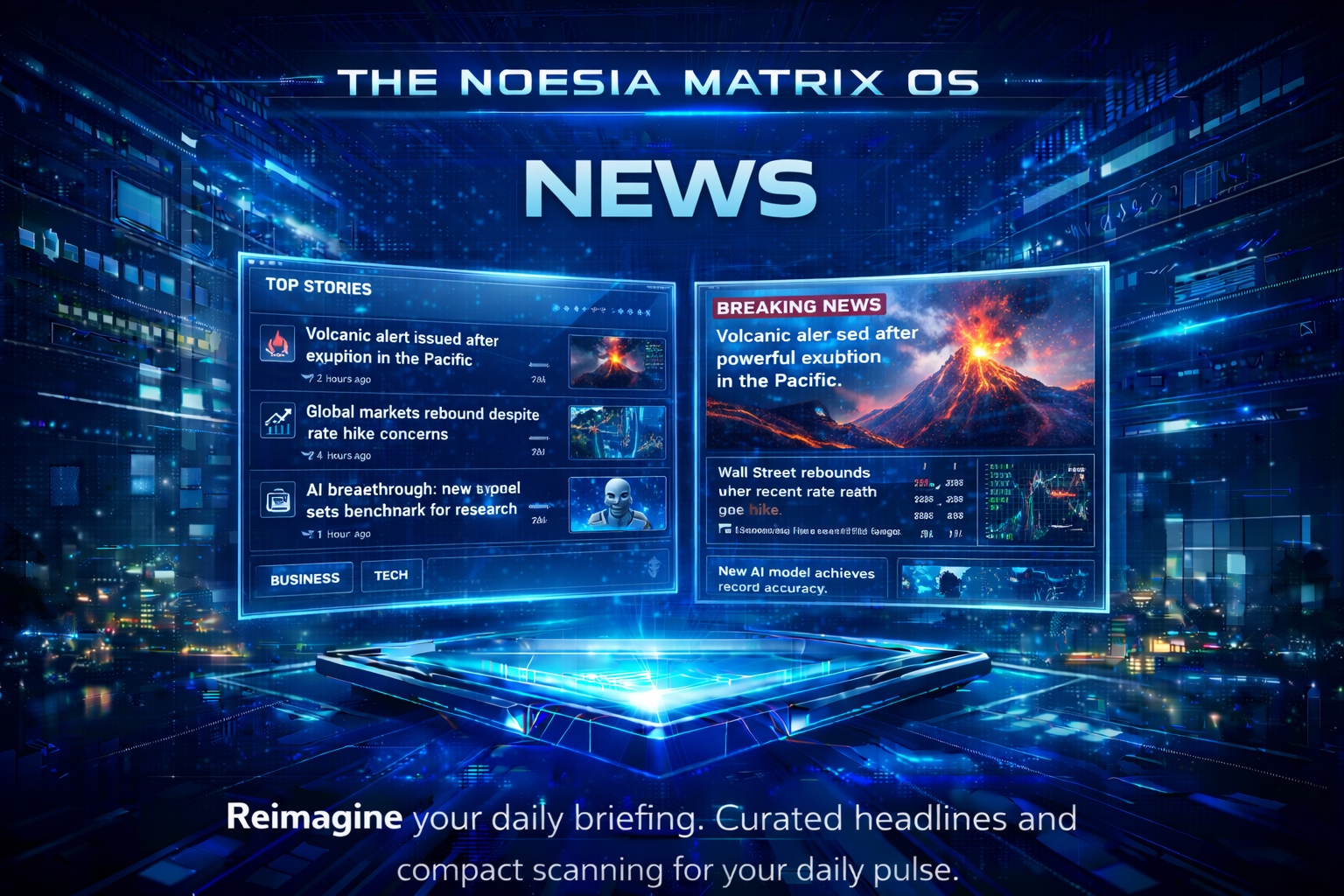
News is the live headlines and editorial-layout module of Noesia Smart Waiter. It powers the dedicated News tab and also feeds the Dashboard news slot and Morning Briefing ticker with country-aware headlines, refresh-aware caching, multiple visual styles, and category-based headline decks designed for fast scanning instead of chaotic browsing.
Useful when leadership wants immediate awareness of business, economy, politics, health, and global developments inside the same platform they already use daily.
Useful for people who rely on Dashboard and Morning Briefing because the news layer also appears there as a compact live information stream.
Useful when the team wants the news context to follow the selected country / language settings instead of showing generic unrelated feeds.
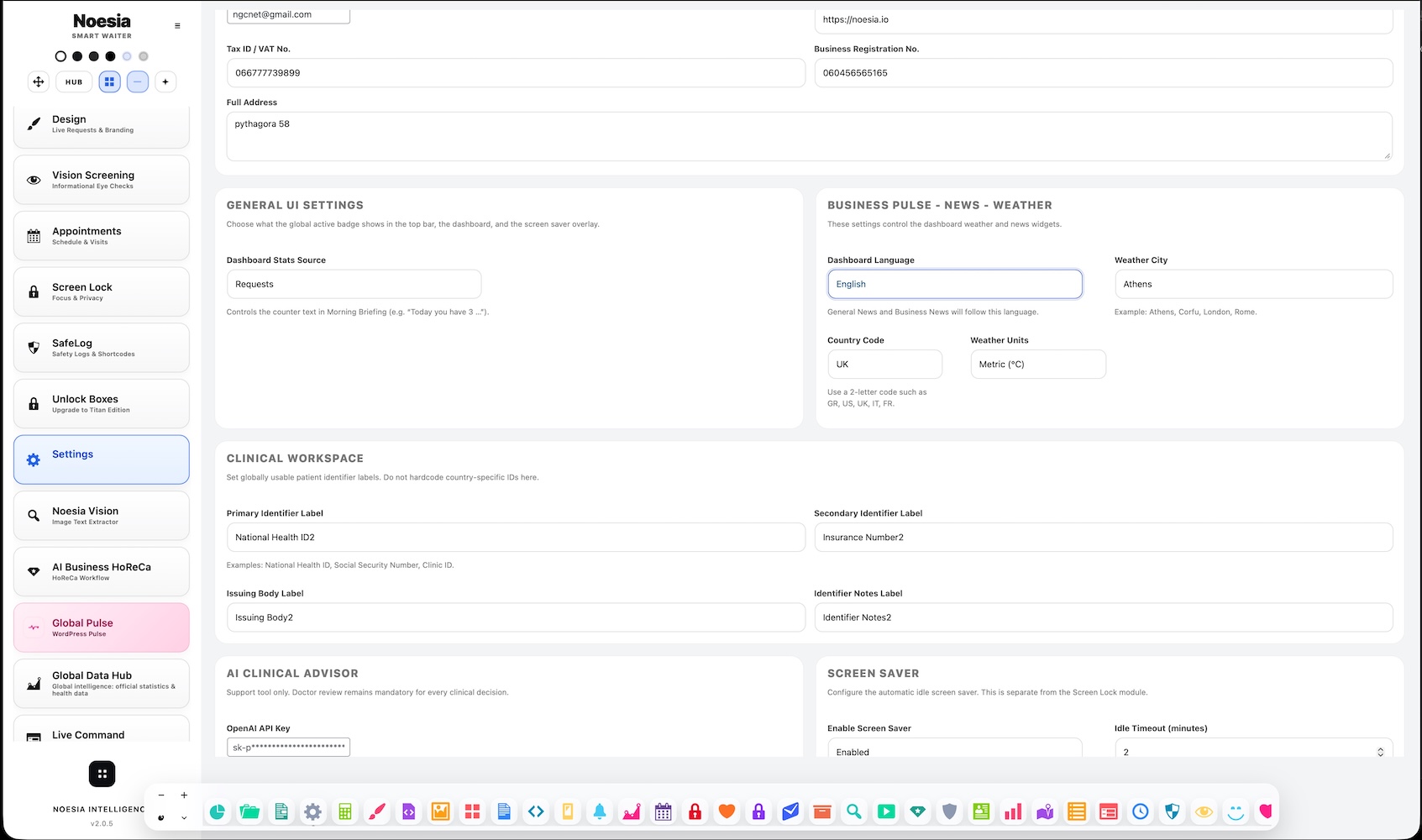
Admin path: open the Noesia Smart Waiter admin area and select News from the plugin shell navigation.
Tier: this module is part of the Free tier.
Extra visibility: the module does not live only in its own tab — it also appears inside Dashboard and in the Morning Briefing ticker flow.
From Settings, select the news language route that maps the module to the country you want to follow. This controls the country-aware headline decks.
Check General, Business, Health, Economy, Politics, and World so you know the module is loading the full headline set correctly.
Switch between Panels, List, Pulse, and Exclusive until you find the layout that fits the way you scan information. Your choice stays saved in this browser.
When the full News tab is too much for the moment, use Dashboard and Morning Briefing to consume the same news layer in a lighter format.
Start from Dashboard when you want a quick compact view, or from News when you want the full multi-category deck.
Check the country label shown on the cards so you know the module is following the selected settings route.
Move between Panels, List, Pulse, and Exclusive to scan the same stories with different visual rhythm and emphasis.
The module refreshes on a short stale cycle, but you can also manually refresh each card deck with its own refresh control.
Let the briefing ticker rotate through general headlines when you want passive awareness while working elsewhere in the shell.
The top toolbar lets the user switch between Panels, List, Pulse, and Exclusive editorial modes, with the choice saved locally in the browser.
Each category card shows top headlines, country label, and its own refresh button for General, Business, Health, Economy, Politics, and World.
The same module surfaces nicely inside Dashboard as a compact embedded news area for fast awareness without opening the full tab.
The briefing ticker rotates through general headlines on a timer, giving the operator passive headline awareness inside the morning shell.
These special layouts add stronger editorial treatment, category accents, and a more magazine-like or featured-story style.
Every story can show source information and relative or formatted time badges, making the feed easier to trust and scan quickly.
Use Dashboard and Morning Briefing to scan the current country-aware headlines quickly, then open the full News tab only if a story category needs deeper attention.
Use Panels for balanced scanning, List for dense reading, Pulse for stronger visual hierarchy, and Exclusive for a featured editorial feel.
Choose the settings-based country route so the headlines follow your target country instead of showing generic unrelated feeds.
Use the refresh buttons on each category card when you need fresh headlines immediately instead of waiting for the next short stale cycle.
Issue: the cards keep showing loading placeholders.
Why it happens: the feed request may not have completed yet, remote feed access may be blocked, or the current source may be temporarily unavailable.
What to do: refresh the card, wait for the short stale cycle, and confirm the installation can reach the feed sources normally.
Issue: the category decks show a country you did not expect.
Why it happens: the module resolves country from the configured news language / country settings route.
What to do: open Settings, choose the correct news language / country context, save again, and let the module refresh its decks.
Issue: Panels, List, Pulse, or Exclusive does not stay selected.
Why it happens: the view mode is saved in browser storage, so restricted local storage or a cleared browser session can reset the preference.
What to do: allow normal browser storage and avoid privacy conditions that clear local state on each session.
Issue: the operator sees headlines in Dashboard but the full News tab behaves differently.
Why it happens: Dashboard uses a lighter compact view while the dedicated News tab exposes the full six-category and four-layout experience.
What to do: treat Dashboard as the quick glance and the News tab as the full editorial surface.
Yes. The News module belongs to the free tier.
Yes. It also appears nicely inside Dashboard and feeds the Morning Briefing ticker.
From Settings, choose the news language / country context so the module follows the country you want to watch.
The module refreshes on a short stale cycle measured in a few minutes, with a practical refresh path around two minutes when the data is considered stale.
Yes. Each category card includes its own refresh button.
Four: Panels, List, Pulse, and Exclusive.
Yes. The selected layout stays saved in this browser.
General, Business, Health, Economy, Politics, and World.
Because it rotates through the general headlines on a timed cycle to provide passive awareness in the shell.
Yes. Pulse here is a visual layout mode of the News module, not the separate Global Pulse module.
Yes, for quick scanning. But the full News tab gives the richer six-category and multi-layout experience.
Yes. That is one of its strongest roles inside the platform.
The Noesia Matrix is the shared architecture language and module fabric behind Noesia Smart Waiter. This module is not just a static page; it sits inside an isolate-first modular system designed for shell-driven navigation, clean section ownership, extensible widget zones, and future-safe expansion.
The architecture direction is intentionally high-control: modular ownership, isolated assets, lazy-ready behavior, clean settings flow, predictable prefixes, maintainable service boundaries, and enterprise-safe discipline around structure, security, and extensibility. Noesia transcends the definition of a standard WordPress plugin, operating as a robust platform built upon enterprise-grade Service-Oriented Design.
Here is how the core engine is designed to minimize bloat, maximize stability, and keep the experience consistently fast and responsive:
Event-Driven Inversion of Control (IoC): The platform follows an IoC pattern via a decoupled Event Bus. The central core acts as a “Logic-Less Host” (Blind / DUMMY Kernel). It does not tightly bind itself to module internals; modules announce their own presence, capabilities, and state through controlled registration flows.
The Micro-Frontend Paradigm (MFE): The UI is not a giant monolithic block. Each application behaves as an independent Micro-Frontend with its own dynamic assets, specialized logic, and UI contracts.
Strict Asset Isolation & Lazy-Loading: Resource usage stays disciplined. A module’s CSS, JavaScript, and data components are loaded only when the user reaches or interacts with that specific application surface.
Decoupled Registry Pattern: The dynamic discovery layer allows applications to be added or removed quickly without rewriting core logic. If one application encounters an issue, the architecture is designed to contain that impact instead of cascading it across the platform.
Enterprise-Grade Security & Stability: The platform is reinforced with strict input sanitization, dynamic registry routing, and defensive safety gates across the stack. The data layer and the user interface remain deliberately separated for maintainability and risk control.
The Result: A scalable hospitality and clinical operating system engineered to manage mission-critical workflows securely — from intimate cafés to high-traffic venues and sensitive medical environments.
When you open a ticket, include one clean screenshot, the exact visible error text, short reproduction steps, the selected layout mode, and the active country context. That reduces back-and-forth and speeds up resolution.
Open SupportEnter the application layer: Explore the full Noesia Smart Waiter ecosystem and discover how each isolated module helps serve hospitality, operations, business workflows, and the wider mission to reimagine life through smarter software.
Scroll into the Matrix: The catalog below is the live gateway to the platform. Move through Free and Pro environments, open each documentation page, and step directly into the next application surface.